System Update
•
Total # of HVAC and Total # of Zones
•
IP address of all connected HVAC units
•
Zone assignment, which units are assigned to which zones.
•
Model number of connected units
8. Re-enter any other setting that has been manually saved.
Step 5: Restore and Verify Controller Operation
1. Hold Esc until the main screen is displayed.
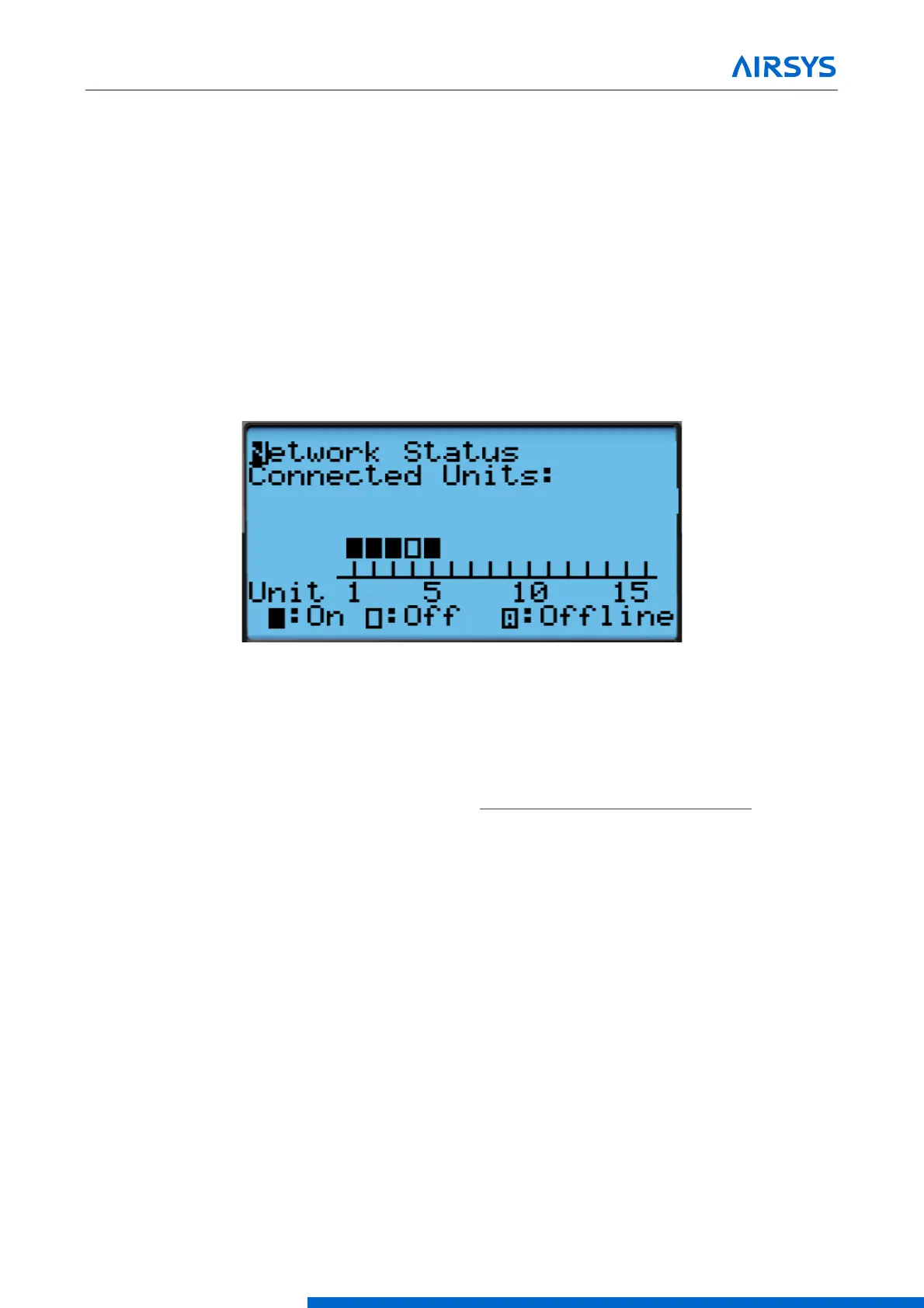
2. Press Down until an info icon (i) is displayed in the bottom right corner and press Enter.
3. If the controller has re-established communication with the units, ON or OFF status should be displayed
for every unit.
Figure 7-5 Network Status
7.2 Remote Software Upgrade:
7.2.1 Required Equipment
1. Upgrade Files. Download the latest software from https://support.airsysnorthamerica.com/. Search for
“ASMUC Software Download”.
2. PC/Laptop, needed for remote connection to controller.
3. Remote IP/HTTP connection to all HVAC units and multi-unit controller to be upgraded.
4. If upgrading webpages: FTP software/connection.
Step 1: Upgrade HVAC units
1. Download and unzip both the HTTP and the upgrade files.
2. Navigate to the IP address of the HVAC unit (not the multi-unit controller).
•
If unsure, navigate to “Controller Interface” tab. Master Controller/HVAC status will be displayed on the
main page



 To Next Page