EasyManua.ls Logo

AirTek MOB-10KDCR - User Manual

AirTek MOB-10KDCR
20 pages
Print Icon
To Next Page IconTo Next Page
Loading...
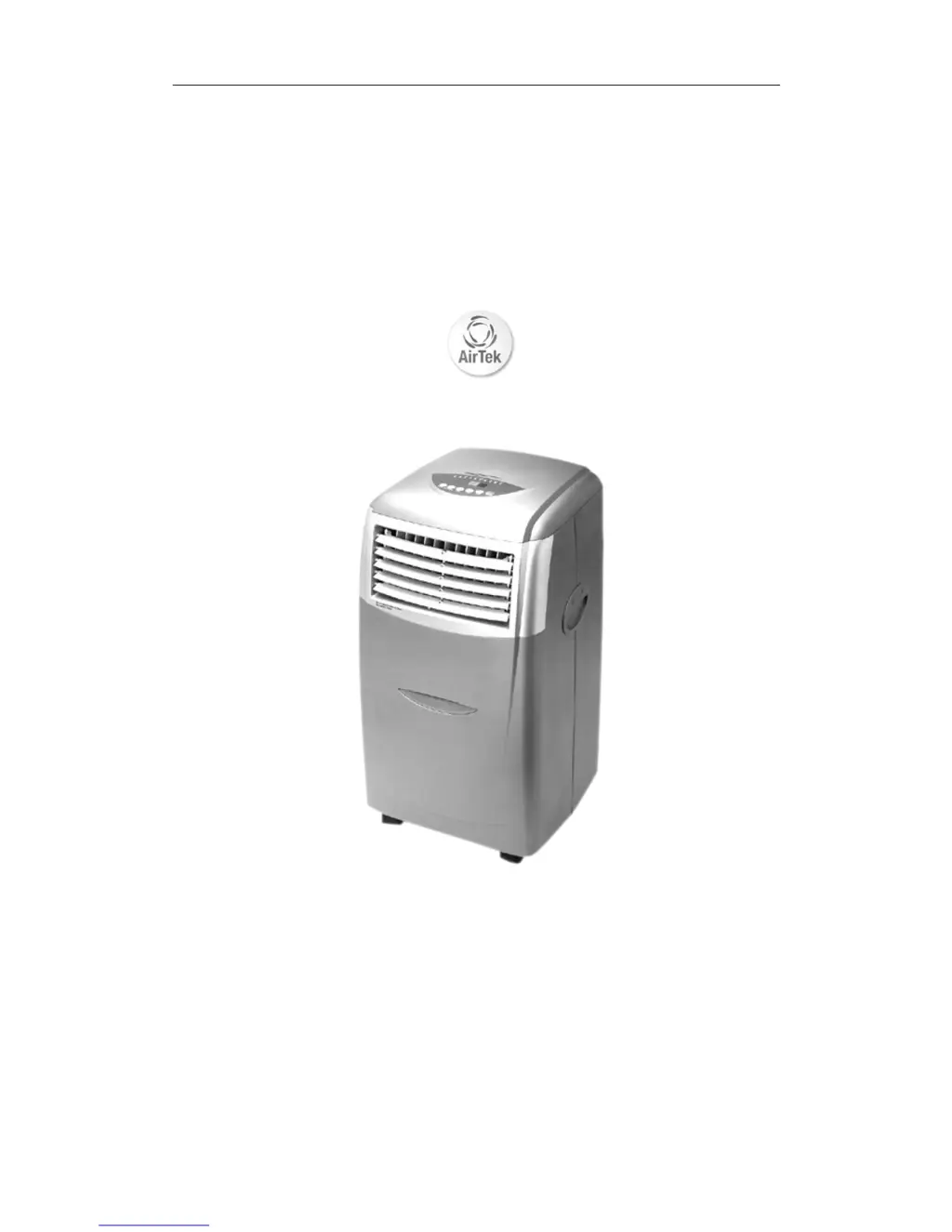
MOBILE AIR CONDITIONER
INSTRUCTION MANUAL
(Digital model)
IMPORTANT: Please read these instructions carefully before use.
Due to continuous research and development the specifications
herein are subject to change without notice.
1

Questions and Answers

  • J
    Joanne OlsonJul 31, 2025
    How to fix AirTek Air Conditioner that is not working?
    • D
      Donald ElliottAug 1, 2025
      If your AirTek Air Conditioner isn't working, here's what to check: * Make sure the plug is properly inserted into the power socket. If not, plug it in correctly. * Verify that there's sufficient amperage to start the unit by checking the fuses. * See if the water tank is full and the alarm light is on; if so, drain the unit.
  • M
    Matthew RivasAug 4, 2025
    Why my AirTek Air Conditioner does not cool effectively?
    • T
      Timothy BrooksAug 4, 2025
      If your AirTek Air Conditioner isn't cooling effectively, consider these possible reasons: * The room might be too large for the unit. Use it in a room within the recommended size. * Direct sunlight might be affecting the unit's performance. Close curtains and pull down blinds. * Open windows or doors can reduce cooling efficiency. Ensure they are closed. * Another heat source in the room may impact cooling. Remove any heat sources. * A dusty or contaminated filter can hinder performance. Clear the filter. * The air intake might be blocked. Check and remove any obstacles.
  • R
    Rebecca MartinAug 9, 2025
    What to do if my AirTek MOB-10KDCR cuts out?
    • J
      Jennifer BeckAug 9, 2025
      If your AirTek Air Conditioner keeps cutting out, here are some things to check: * Ensure the unit is at least 500mm away from walls and other objects. * Make sure the appliance isn't covered, as this can cause overheating. * Check if the 'timer off' function is activated, and if so, press the power button to turn the unit on. * Verify that the room temperature is between 61°F and 97°F (16°C and 36°C). If not, switch the unit back on when it is.
  • D
    Danny WattsAug 13, 2025
    What does it mean when the RUN LED flashes and alarm sounds on AirTek MOB-10KDCR Air Conditioner?
    • M
      Michelle CoxAug 13, 2025
      If the "RUN" LED indicator light flashes and the alarm sounds on your AirTek Air Conditioner, it means the condensation tank is full and the unit can't drain. To resolve this, drain the unit from the drain plug at the back.
  • L
    luke19Aug 17, 2025
    What does E7 mean on my AirTek MOB-10KDCR?
    • M
      Mark CastroAug 17, 2025
      If "E7" is displayed on the LED panel of your AirTek Air Conditioner, it means the water tank is full. Drain the water tank; the appliance will switch on when the water tank has been emptied.
  • T
    Taylor McmahonAug 21, 2025
    How to reduce noise from AirTek MOB-10KDCR?
    • R
      Rachel WilsonAug 21, 2025
      If your AirTek Air Conditioner is too noisy, it might be positioned on an uneven hard floor surface, creating vibration. Placing it on a soft carpeted surface may absorb excessive vibration.
  • M
    maria95Aug 26, 2025
    Why my AirTek MOB-10KDCR's LED is on but it is not running?
    • T
      torresmelissaAug 27, 2025
      If the LED display shows the unit is set but it is not running on your AirTek Air Conditioner, the "timer on" feature is likely activated. Push the Power button to turn the unit on and deactivate the "timer on" feature.

Summary

Specification

Before Use

Important Safety Instructions

Crucial safety guidelines to follow before operating the air conditioner.

Installation

Mounting the Exhaust Hose

Instructions for attaching the exhaust hose for ventilation.

Operation

Control Panel Overview

Explanation of the unit's control panel, indicators, and buttons.

Remote Control Operation

Setting up and using the remote control for the unit.

Air Flow Direction Control

How to adjust the louvers for optimal airflow direction.

Drainage

Drain Tray Drainage

Steps to drain condensate water using the provided tray.

Drain Hose Drainage

Instructions for draining condensate water using the drain hose.

Maintenance

Filter Cleaning

Guide on how to clean the air filter for optimal performance.

Long Term Storage

Recommendations for storing the unit during extended periods of non-use.

Troubleshooting

Common Issues and Solutions

Solutions for common problems encountered with the air conditioner.

BS Plug Wiring Instructions

Service & Warranty

AirTek MOB-10KDCR Specifications

General IconGeneral
BrandAirTek
ModelMOB-10KDCR
CategoryAir Conditioner
LanguageEnglish

Related product manuals