EasyManua.ls Logo

AirTight SS-300-AT-C-55-E - User Manual

Default Icon
4 pages
Print Icon
To Next Page IconTo Next Page
Loading...
SS-300-AT-C-55-E
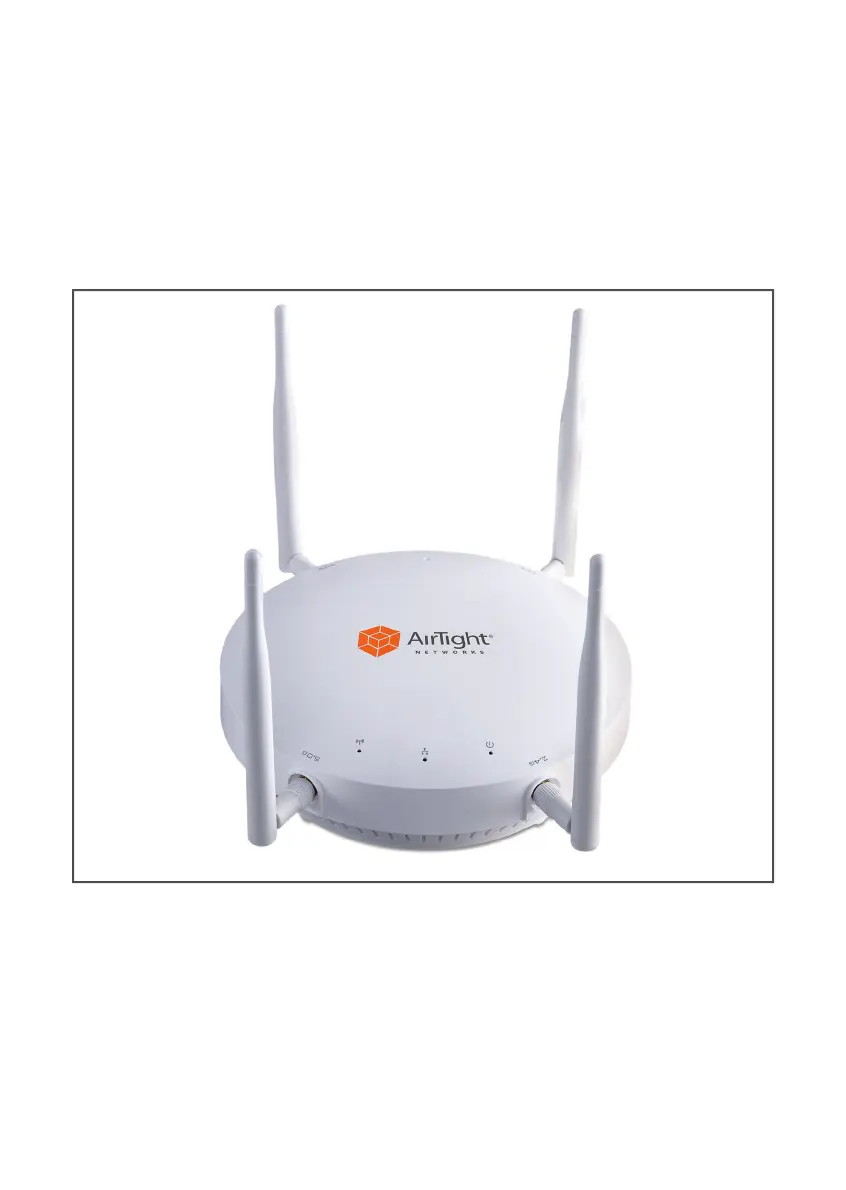
AirTight Access Point/Sensor
Quick Start Guide

Questions and Answers

  • G
    Gary HullOct 29, 2025
    Why is the power LED on my AirTight Wireless Access Point solid orange?
    • A
      Ashley WilsonOct 29, 2025
      If the power LED on your AirTight Wireless Access Point remains solid orange, it could be due to several reasons. First, check that the Ethernet cable is correctly plugged into both the device and a working Ethernet jack or switch port that is turned on. Another cause might be the device not receiving a valid IP address via DHCP. Make sure a DHCP server is active on the VLAN/subnet and reboot the device. Also, verify that the AP/Sensor can connect to the Server or AirTight Cloud Service by ensuring internet connectivity and that UDP port 3851 and TCP port 80 are open on the firewall. If you're using a proxy, web accelerator, or URL content filtering, adjust the settings to allow communication between the AP/Sensor and AirTight Cloud Service. Finally, a radio interface error could be the ca...

Summary

AirTight Access Point;Sensor Quick Start Guide

Package Contents

Mounting Configurations

Describes optimal antenna positioning for vertical wall and horizontal ceiling mounts.

Getting the SS-300-AT-C-55-E Online

Attach Antennas

Instructions for attaching the external antennas to the SS-300-AT-C-55-E device.

Power Up Device

Steps for powering the SS-300-AT-C-55-E using PoE or an AC power adapter.

Connect to Network

Guide on connecting the SS-300-AT-C-55-E to your network via Ethernet.

Check LED Status

How to verify the SS-300-AT-C-55-E is online and operational using LED indicators.

Troubleshooting

LED Status Troubleshooting

Diagnosing issues by LED status and providing solutions for common problems.

AirTight SS-300-AT-C-55-E Specifications

General IconGeneral
ModelSS-300-AT-C-55-E
TypeWireless Access Point
Frequency Bands2.4 GHz, 5 GHz
Maximum Data Rate1.3 Gbps
MIMO Technology3x3 MIMO
Ethernet Ports2 x Gigabit Ethernet
Power over Ethernet802.3af/at
Antenna TypeInternal
Mounting OptionsCeiling, Wall
Wireless LAN Standard802.11ac
Security FeaturesWPA, WPA2, 802.1X
ManagementSNMP

Related product manuals