45
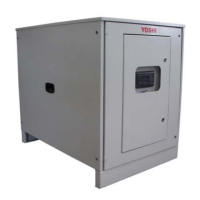
10.1 Control panel
The unit AWS YOSHI has the possibility to vary the capacity delivered, in a range between 13%
and 100% of rated power, as a function of the return water temperature on the primary circuit.
The modulation of the capacity is adjusted according to a proportional band.
Just adjust the temperature set point on the user menu on the control panel, that is the parameters
"Tset" and the proportional band width (Range modulation parameter). As the return water
temperature on the primary approaches the set point, the AWS capacity is reduced to 13%. Once
the set point is reached and exceed, the system makes 6 consecutive temperature checks, one
every each 10 seconds. If, during these controls, the temperature never goes below the set point
the AWS stops.
If the optional "Plus Controller" has been installed, once the set point has been reached and the
AWS stops, the primary circulation pump halts. Otherwise, the primary circulation pump continues
to run, nevertheless the AWS system is in stand-by.
Example of modulation in heating:
The set point temperature in heating, ie the parameter "Tset heat", may vary in a range between
30°C and 48°C.
The factory settings are:
Tset heat = 44°C;
Modulation Range = 5°C
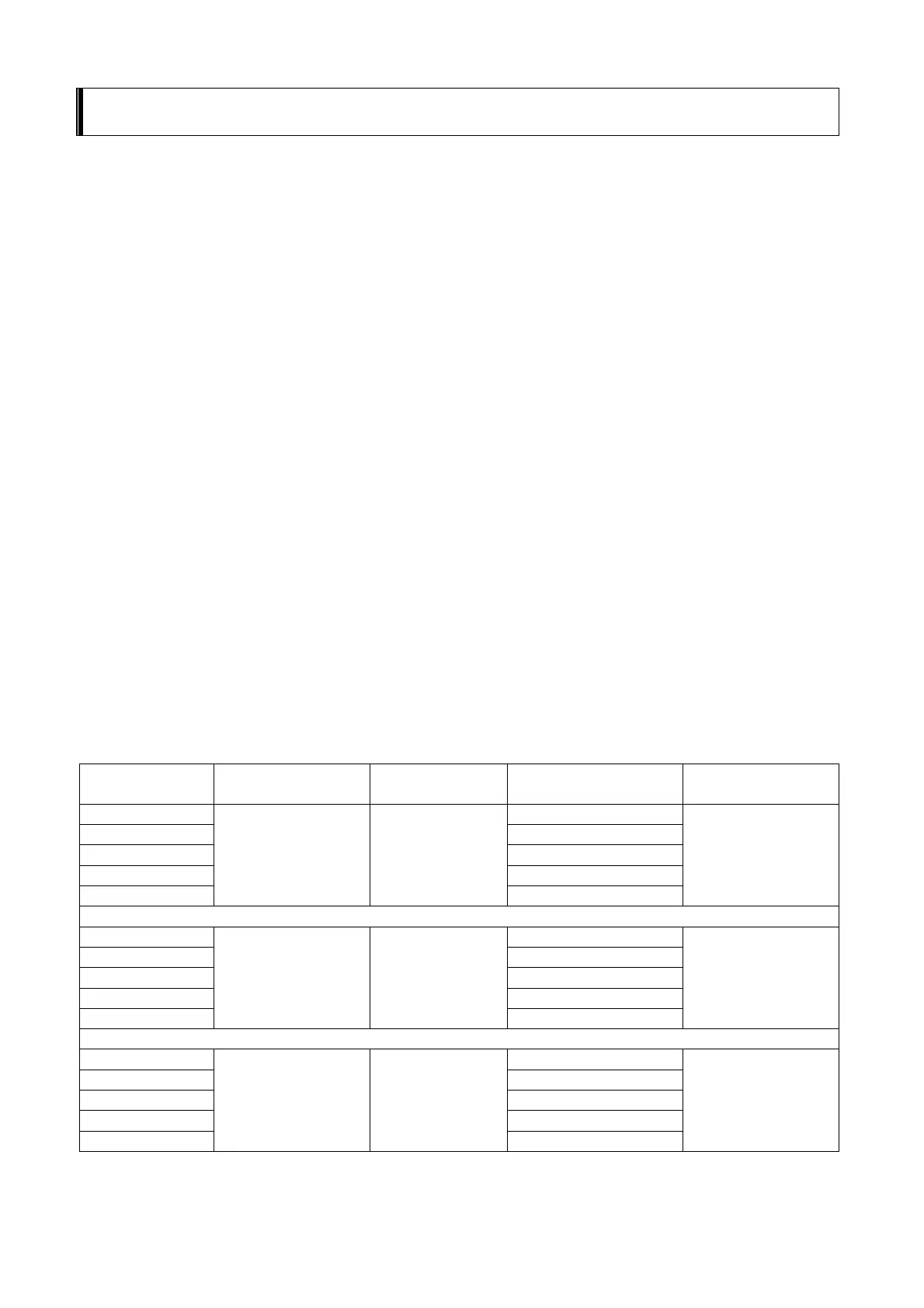
The table below shows the method of variation of the capacity and a numerical example.
Capacità AWS
[%]
Tset heating [°C] Range [°C]
Modulation limit
temperature [°C]
Outlet
temperature [°C]
100 (A+1) - ∆T
75 (A+1) - ∆T(4/5)
50 (A+1) - ∆T(3/5)
25 (A+1) - ∆T(2/5)
13
A ∆T
(A+1) - ∆T(1/5)
A + 1
100 26
75 27
50 28
25 29
13
30 5
30
31
100 44
75 45
50 46
25 47
13
48 5
48
49
10 AWS Set Point Adjustment


 To Next Page