EasyManua.ls Logo

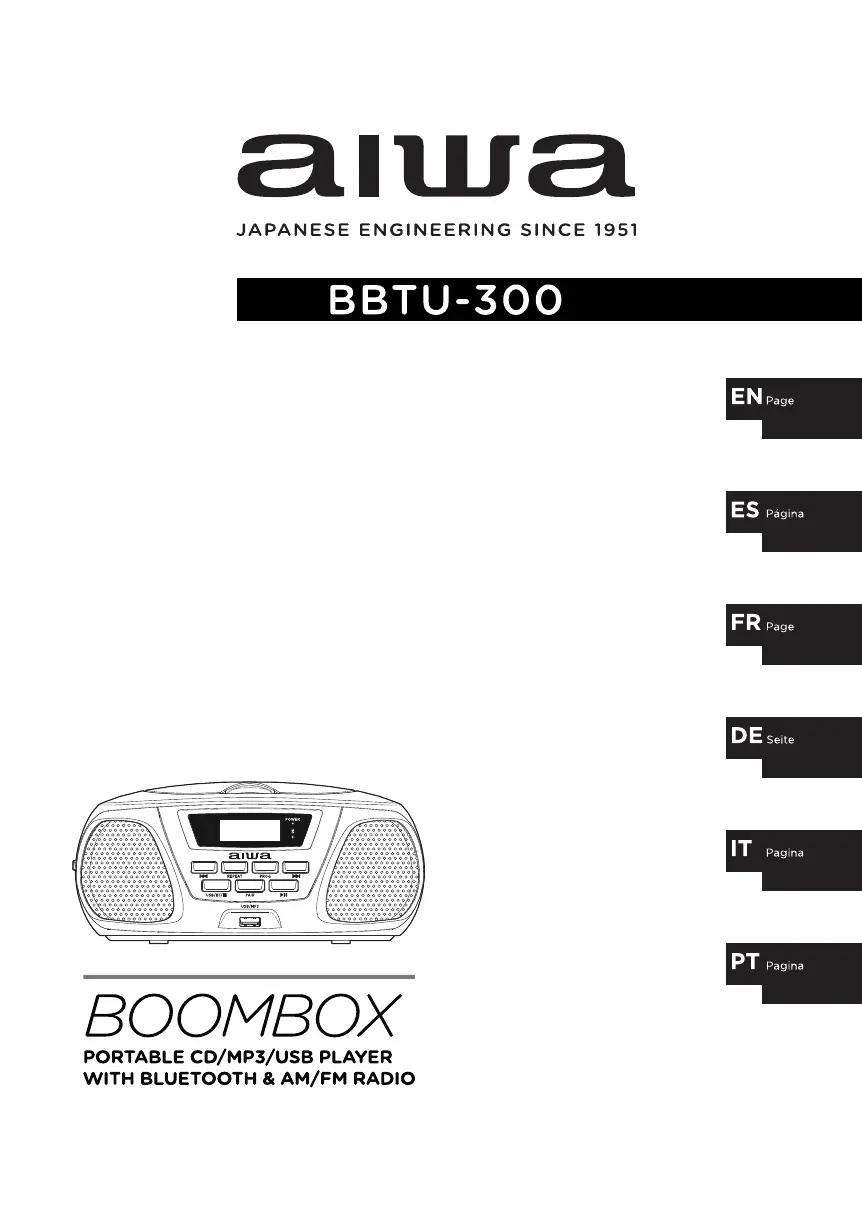
Aiwa BBTU-300 - User Manual

Aiwa BBTU-300
51 pages
Print Icon
To Next Page IconTo Next Page
Loading...
user manual
manual de usuario
mode demploi
bedienungsanleitung
manualle dellutente
manual do usuário
2-17
34-49
50-65
66-81
82-97
18-33

Other manuals for Aiwa BBTU-300

Questions and Answers

  • A
    anthony60Aug 8, 2025
    What to do if my Aiwa BBTU-300 Portable Stereo System has no power?
    • J
      Joshua WalterAug 9, 2025
      If your Aiwa Portable Stereo System has no power, first, ensure the power cord is properly plugged into an outlet. Second, check if there is a power failure by testing other electronic devices in your home.
  • A
    Angela EllisAug 14, 2025
    Why is there no sound coming from my Aiwa Portable Stereo System?
    • R
      Robert ThompsonAug 14, 2025
      If there is no sound coming from your Aiwa Portable Stereo System, check the volume level. Ensure that the volume is turned up, both on the main unit and any connected external devices.
  • J
    John GrahamAug 19, 2025
    What to do if my Aiwa Portable Stereo System does not start playback?
    • J
      Justin AriasSep 12, 2025
      If your Aiwa Portable Stereo System doesn't start playback, it might be due to: * An unplayable disc being inserted. Try inserting a disc that is compatible with the system. * A dirty disc. Clean the disc and try again.
  • K
    Kayla RobertsAug 23, 2025
    How to fix radio stations that cannot be tuned in on my Aiwa Portable Stereo System?
    • R
      Robert HarrisAug 23, 2025
      If you're unable to tune into radio stations on your Aiwa Portable Stereo System, the antenna might be poorly positioned. Fully extend the antenna cord. If that doesn't work, try relocating the boombox to another location.
  • J
    Jenna SingletonAug 28, 2025
    What to do if sound becomes distorted on Auxiliary Input mode on Aiwa BBTU-300 Portable Stereo System?
    • C
      candersonAug 28, 2025
      If the sound is distorted when using the Auxiliary Input mode on your Aiwa Portable Stereo System: * The volume level might be too high. Adjust the playback volume on the external device to a suitable level. * The auxiliary cable might be incorrectly inserted. Ensure the auxiliary cable is properly connected.
  • J
    James WebbSep 3, 2025
    Why the USB does not start the playback on my Aiwa BBTU-300?
    • N
      Nathaniel LopezSep 3, 2025
      If the USB playback doesn't start on your Aiwa Portable Stereo System, it could be due to incompatible or damaged audio files. Try inserting another USB device with compatible audio files.

Aiwa BBTU-300 Specifications

General IconGeneral
BrandAiwa
ModelBBTU-300
CategoryPortable Stereo System
BluetoothYes
USB PortYes
SD Card SlotYes
RadioYes
FM RadioYes
Cassette PlayerNo
AUX InputYes
Headphone JackYes
Power SourceBattery
Battery TypeD

Related product manuals