4
ENGLISH
AM antenna
FM antenna
CONNECTIONS
Before connecting the AC cord
The rated voltage of your unit shown on the rear panel is
120 V AC. Check that the rated voltage matches your local voltage.
11
11
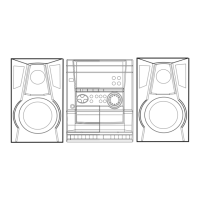
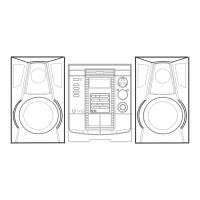
1 Connect the right and left speakers to the main
unit.
Connect the right speaker cord to SPEAKERS R terminals,
and left to SPEAKERS L terminals.
The speaker cord with the white stripe should be connected
to 0 terminal and the black cord to 9 terminal.
Be sure to connect the speaker cords correctly. Improper
connections can cause short circuits in SPEAKERS terminals.
22
22
2 Connect the supplied antennas.
Connect the FM antenna to FM 75 Ω terminals and the AM
antenna to AM LOOP terminals.
33
33
3 Connect the AC cord to an AC outlet.
• The DEMO will begin when the AC cord is plugged into
an AC outlet for the first time. To deactivate the DEMO,
set the clock.
IMPORTANT
Connect the speakers, antennas, and all optional equipment first.
Then connect the AC cord.
PREPARATIONS



 To Next Page
 Loading...