CHARGING
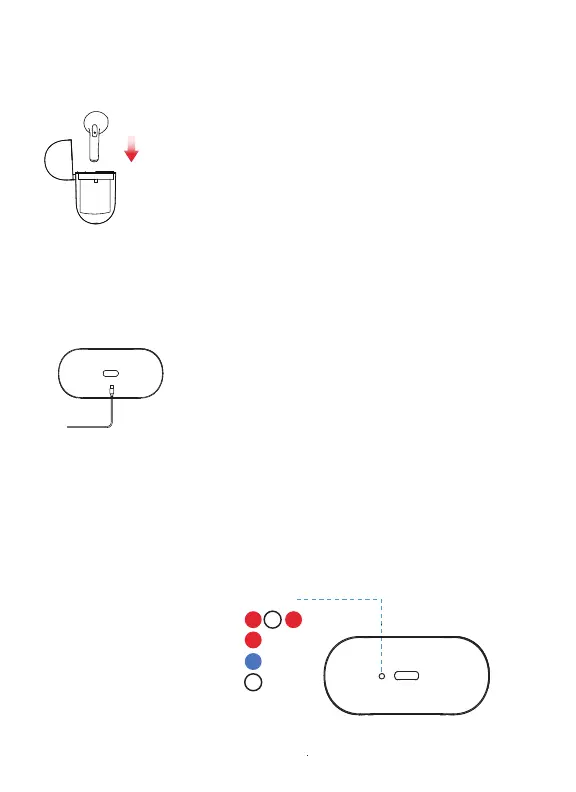
Charging case LED Indicator
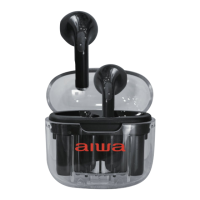
Place the earphones in the charging case in
order to charge. When charging the earbuds,
the LED indicator on the case will turn solid Blue
Once the charging is complete, the LED indicator
on the case will turn OFF.
Insert the included charging cable’s USB-C end
into the charging port on the case. Insert the
other end into a USB port on a computer or
a suitable wall adapter. Leave to charge.
The charging case LED indicator will blink RED
while charging and flash solid RED once the
charging is complete.
Charging the Earphones
Charging the Case
Case Charging:
Earbuds Charging:
Earbuds Charged:
Case Charged:


 To Next Page