CHARGING
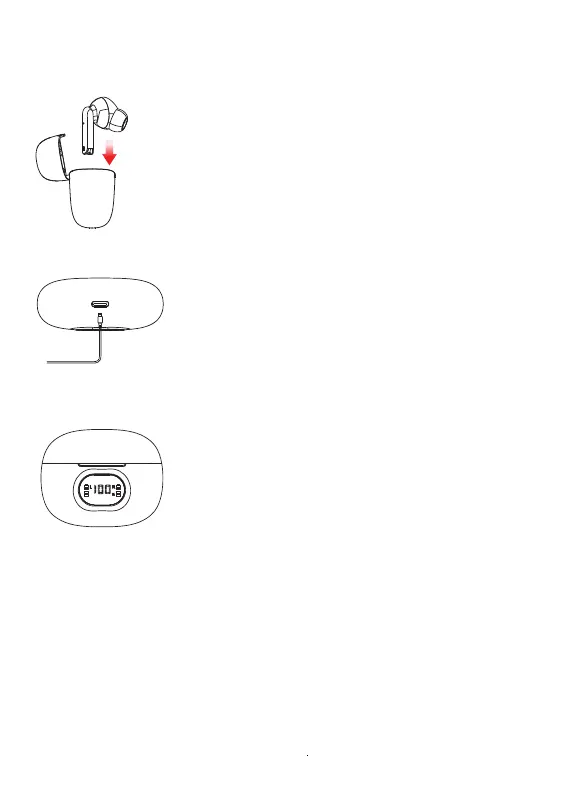
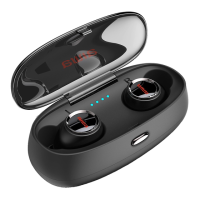
Place the earphones in the charging case in
order to charge.
Connect the included USB-C cable charging
port on the case. Insert the other end into a
USB port of a computer of a suitable wall
adapter. Leave to charge.
Charging the Earphones
Charging the Case
Charging Status
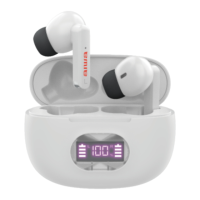
The digits on the LED display screen will flash
while the case charges and will display a solid
‘100%’ once the case is fully charged.
The earphone battery icons will flash while the
earphones are charging inside the charging case.
The right earphone battery icon will flash while
the right earphone charges, and the left earphone
battery icon will flash while the left earphone
charges.


 To Next Page