BLUETOOTH PAIRING
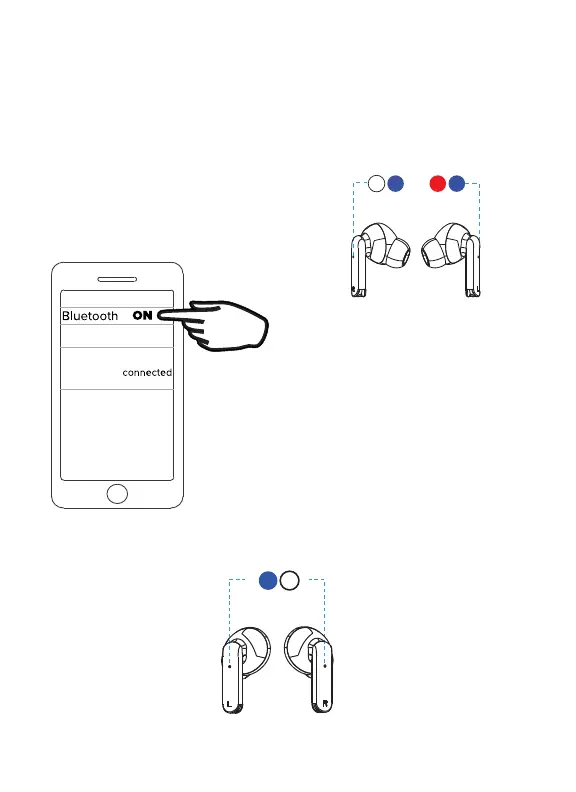
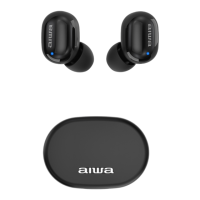
Remove your earphones from the case and they will power ON and go into
pairing mode. When your earphones are in pairing mode, one earphone
will flash red and blue and the other earphone will flash blue.
After setting up Bluetooth, the earphones will automatically re-connect
to the device everytime you take them out of the charging case.
Both earphone’s LED Indicator will slowly flash blue once paired to your phone.
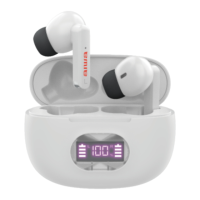
AIWA Prodigy View
Go to the Bluetooth settings menu on your
phone. Make sure that Bluetooth is turned
on. Connect to the device listed as
“AIWA Prodigy View.”


 To Next Page