4
Setup
1. On your computer, open Ableton Live.
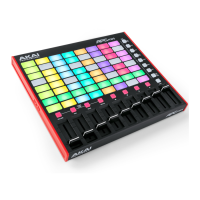
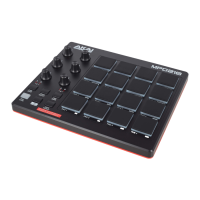
2. Use the included USB cable to connect APC mini mk2's USB port to an
available USB port on your computer (powered on).
3. In Ableton Live, open the Preferences:
• Windows: Options > Preferences
• MacOS: Live > Preferences
4. Click the Link/MIDI Tab.
5. Click an available Control Surface drop-down menu and select APC mini
mk2.
6. Click an available Input drop-down menu and select APC mini mk2.
7. Click an available Output drop-down menu and select APC mini mk2.
8. Make sure that the Track option under MIDI Input is enabled for APC mini
mk2 (Port 2).
9. Close the Preferences window.
You can now use APC mini mk2 with Ableton Live.


 To Next Page