EasyManua.ls Logo

Akai ATE-55D1044K - User Manual

Akai ATE-55D1044K
85 pages
Go to English
Print Icon
To Next Page IconTo Next Page
Loading...
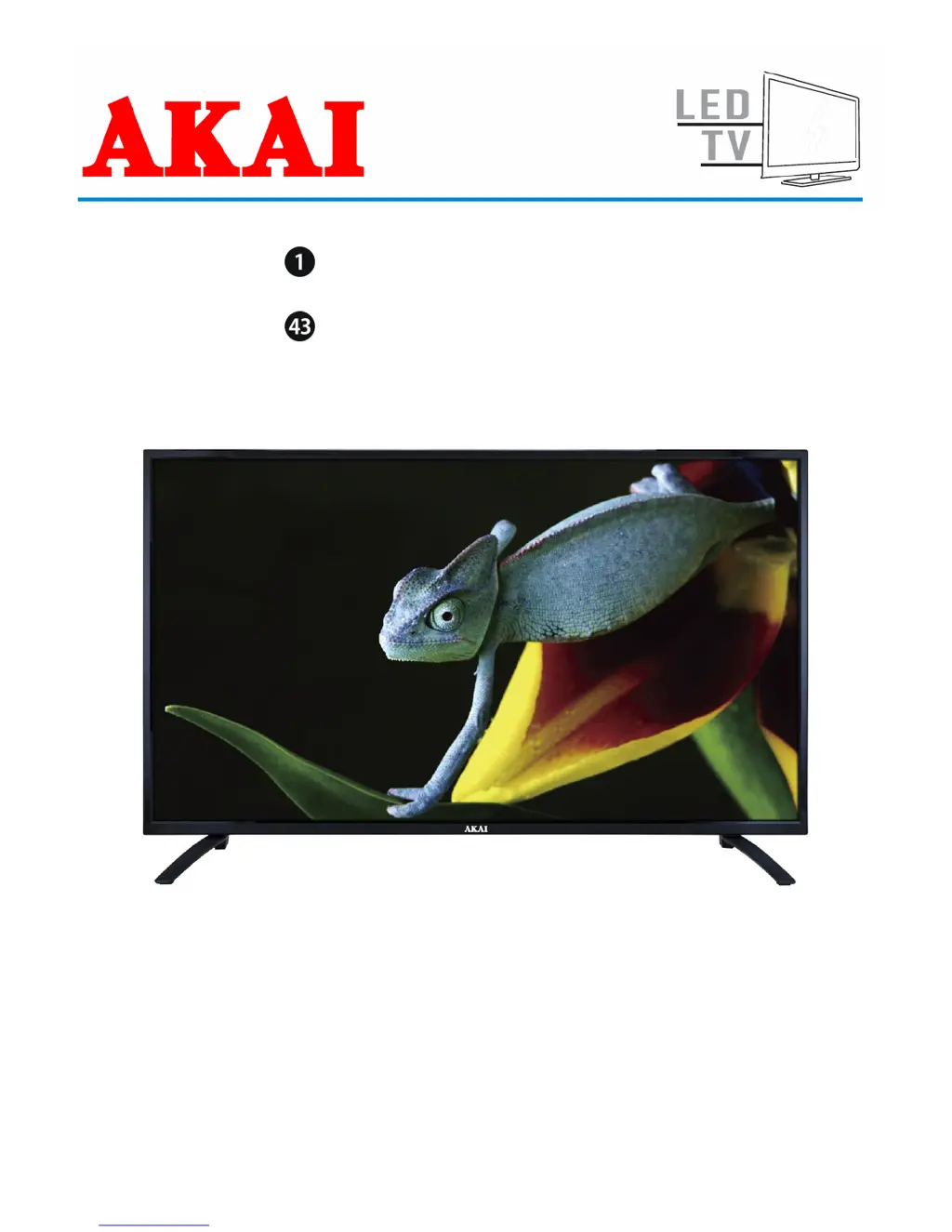
MANUEL D’UTILISATION
USER MANUAL
ATE-55D1044K
Lire attentivement la notice avant d’utiliser l’appareil
Before operating this product, please read user manual completely

Questions and Answers

  • A
    Austin TapiaAug 2, 2025
    Why is there no sound or distorted sound on my Akai LED TV?
    • J
      James DunlapAug 2, 2025
      If you're experiencing no sound or distorted sound on your Akai LED TV, first ensure that all equipment is properly connected. Also, verify that the input settings for both the TV and any connected stereo system are correctly configured. Finally, adjust the master volume to a suitable level using the VOL+/VOL- buttons.
  • G
    Gerald GarciaAug 8, 2025
    What to do if my Akai ATE-55D1044K has no or poor picture?
    • A
      ashleymurphyAug 8, 2025
      If your Akai LED TV displays no or poor picture, try these solutions: Adjust the antenna or use an external antenna. If inside a building, relocate the unit near a window. Move any units away from the TV that might be causing interference. Perform Auto Tuning again, or try another channel.
  • M
    Melissa BurchAug 13, 2025
    Why is there no sound or poor sound on my Akai LED TV?
    • Y
      yolandabanksAug 13, 2025
      If you're experiencing no sound or poor sound quality on your Akai LED TV, first check the audio settings. Also, ensure the mute function is not enabled by pressing the MUTE button on the remote control. Finally, unplug any headphones that may be connected.
  • A
    alicia22Aug 19, 2025
    How to reduce noise interference on Akai ATE-55D1044K?
    • J
      Justin BerryAug 19, 2025
      If you're experiencing noise or other interference with your Akai LED TV, it could be due to electronic equipment nearby. Try relocating the TV or moving the interfering equipment away from it.
  • C
    Calvin JordanAug 26, 2025
    How to fix Akai ATE-55D1044K remote control not working?
    • R
      Robert KingAug 26, 2025
      If the Akai LED TV remote control isn't working, first ensure the batteries are correctly installed, paying attention to the polarities. If that doesn't work, the batteries may be exhausted; replace them with new ones. Also, make sure to point the remote control directly at the remote control sensor, operate it within a 6-meter range, and remove any obstacles that might be blocking the signal.

Summary

WARNING

CAUTION - Risk of Electric Shock

Advises against opening the cover to avoid electric shock.

Warning Symbol - Dangerous Voltage

Alerts user to uninsulated dangerous voltage within the product.

Warning Symbol - Important Instructions

Alerts user to important operating and maintenance instructions.

Class II; Double Insulated Equipment

Explains the equipment does not require a safety connection to electrical earth.

SAFETY INSTRUCTIONS

Fire, Electric Shock, Personal Injury Prevention

Provides essential safety instructions to prevent injury and damage.

Product;Property Damage Prevention

Details precautions to reduce the risk of product/property damage.

ACCESSORIES

User Manual Document Display

Lists the included user manual.

Remote Control Unit Image

Shows an image of the remote control.

STAND INSTALLATION

Stand Mounting Procedure

Step-by-step guide for attaching the TV stand.

Stand Installation Notes

Important notes regarding power and assistance.

GENERAL PARTS

Main Unit Components Overview

Identifies main TV unit components via front and back views.

REMOTE CONTROL

Remote Control Button Functions

Detailed explanation of each button's function on the remote.

REMOTE CONTROL PREPARATION

Battery Installation and Service Life

Instructions for installing batteries and information on their service life.

Remote Control Operating Distance

Guidelines for pointing the remote control and optimal operating distance.

BASIC CONNECTIONS

Power and Antenna Setup

Instructions for connecting the AC power source and external antenna.

External Device Connectivity

Guides for connecting devices via HDMI, PC, SCART, AV, USB, CI, and Earphone.

BASIC OPERATIONS

Basic Operations and Controls

Power, source, channel, volume, mute, picture, and sound settings.

Advanced Features and Media

Sleep timer, video size, multiaudio, TV guide, teletext, subtitles, recording, and media playback.

MAIN MENU

Main Menu and Initial Setup

Navigating the main menu and performing initial TV setup.

DTV Mode Operations

Channel tuning, editing, and managing favorite channels in DTV mode.

Picture and Sound Adjustments

Adjusting picture modes, color temperature, sound modes, and balance.

Time, Lock, and General Settings

Setting clock, timers, locks, parental controls, and general options.

PC;VGA and Teletext Modes

Operating in PC/VGA mode and using the teletext feature.

MAINTENANCE

Maintenance and Wall Mounting

Cleaning instructions and guidance for wall mounting the TV.

Technical Specifications

Detailed specifications of the TV display, connections, and power.

TROUBLESHOOTING

General Troubleshooting Guide

Solutions for common power, picture, and sound issues.

Disposal and Importer Information

Proper disposal instructions and importer contact details.

Akai ATE-55D1044K Specifications

General IconGeneral
BrandAkai
ModelATE-55D1044K
CategoryLED TV
LanguageEnglish

Related product manuals