9;75&7;
BA
+&
The track will be sent to the [STEREO OUT]. The track can be panned.
30$73,
The track will be output to the corresponding [ASSIGNABLE MIX OUT]. The track can be panned.
$,
The track will be output in MONO to the corresponding [ASSIGNABLE MIX OUT] output. Panning is disabled.
CA72-J&*
A72-J@)+.A72-J@)+M=&
&"#"$=
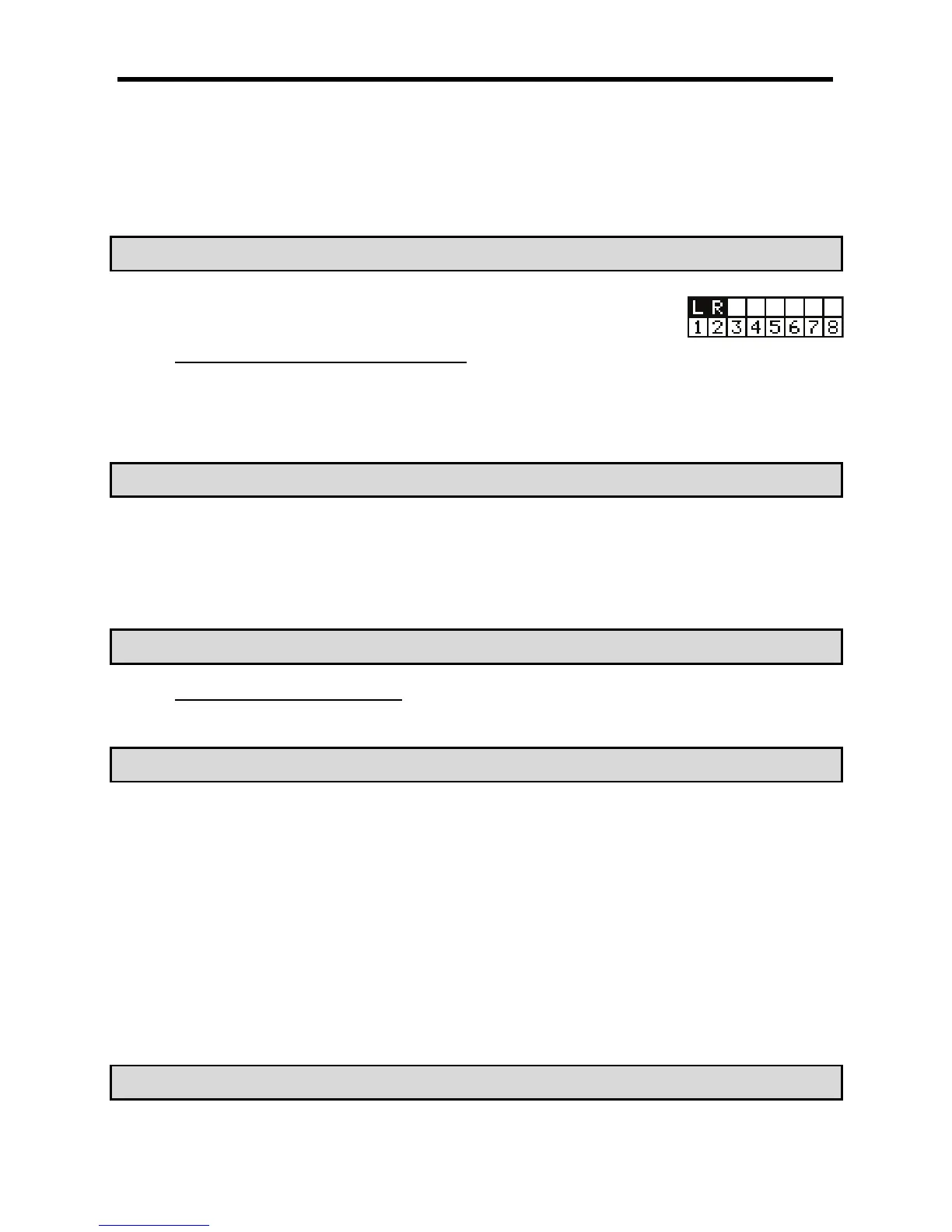
The Track Matrix shows which track the left and right inputs are armed as set in the RECORD
page, allowing for quick reference.
+$$$.(("%"/"&"#
= 4&;56H4+;=B6)9;75&7;*9;75&7;
@ 4-G6)7E0F*9+7;;0/E7+E0F
G 9
The column of the selected track will be highlighted. You can select several tracks by hitting pads while holding down the [SHIFT] button.
?'92';
'&
> +!+1%+1
The fourth row down is labeled 'PAN'. Here is where the pan setting of each track is set. The knob graphic indicates the pan setting. The location
of the line within the circle indicates the current pan setting.
+!I%%IDI
The bottom row is labeled 'LVL'. Here is where the level setting of each track is set. The dark line in each column represents the relative level of
each track, much like faders on a mixing board. You can use the [CURSOR] buttons to move to each field in MIXER mode, and you can adjust
each level with the [DATA] wheel.
CA72-J&*
A72-J@)+.A72-J@)+M=&
//#$$"&"#
#9;)>*-F0#
-F
)*@
&*=K<&
= 09;75&7;#4-G6)7E0F*
The TrkMix page will be displayed. Each column indicates tracks 1 though 8 from the left to right and the currently selected track is highlighted.
@ 9
The column of the selected track will be highlighted.
G /-F(
To adjust this value: simply move the cursor to the FX row, and use the [DATA] wheel.
No effect will be used.
$2
The effect bus number selected (1 to 4) will be used. The track sound will be sent to the selected effect section.
> +!/51;%/51;4;++6
The display in the SEND row indicates the output setting. The graphical knob display in the FX row indicates the current send level. Increasing
this level will increase the amount of effect for the selected track.
")-4 ")-4 *@ 4+)# $.# 4& *
4+)#$.#=>K&


 To Next Page
 Loading...














