EasyManua.ls Logo

Akai MPC 5000 - Page 83

Akai MPC 5000
199 pages
Print Icon
To Next Page IconTo Next Page
To Previous Page IconTo Previous Page
Loading...
BK
)*@
&*=K<&
$"&"#
59;7E0F9;#3
= 09;75&7;#4-G6)7E0F*
The TRKMIX page will be displayed.
Each column indicates track 1 though 8 from the left and the currently selected track is highlighted.
@ 9
The column for the selected track will now be highlighted.
G 0:5);,,*#4;++6
>
Track will play as normal

Track is muted
Additionally, if this field is scrolled while the [SHIFT] button is held down, the following is available:
+
Track is soloed.
B>6:$($.6A%
04;++6#$'I01E7E0F
='>#$'I01E='>'A#$'I01E
'A
$'I01E,:$'I01E0F57,
A=
.+
I%  "

= 09;75&7;#4-G6)7E0F*
@ 401;&69;0F57/5:
G 0  ,7 . , #  J5/   4;++6

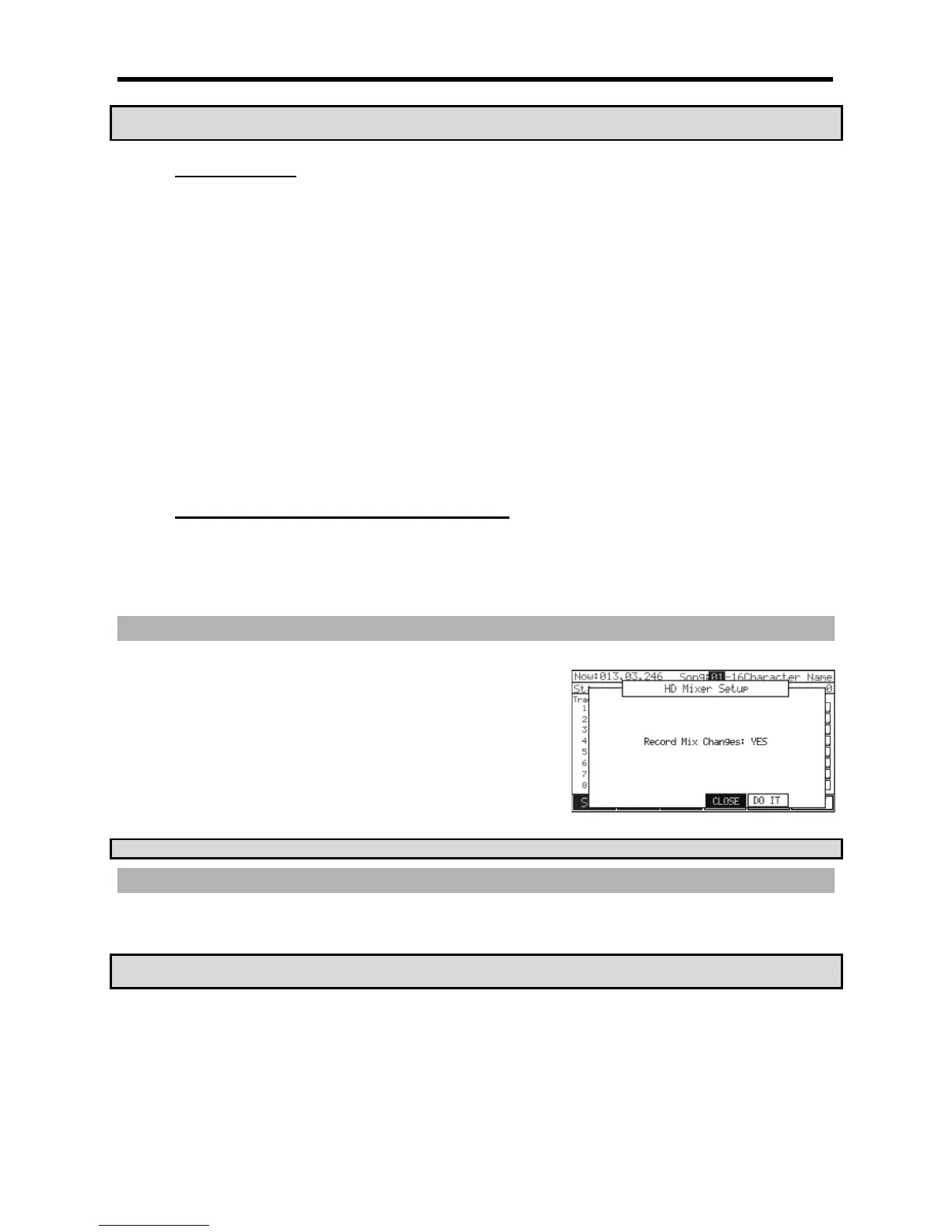
If you set this field to YES and change the LEVEL, SEND, MUTE, or PAN in the
TRKMIX page while recording in SONG mode, the changed data will be recorded
into the song. The song will be played with changing the Level or the Pan as you did
during the recording. The mix data recorded in the song is displayed in STEP EDIT
page as follows and you can edit it the same as other MIDI event.
2''2'A72-J&
.
.##9;#:
#=B2>>=9L%.#;
#.
$/&),4#
!5""B-5(2)@$.#"%/&

Other manuals for Akai MPC 5000

Related product manuals