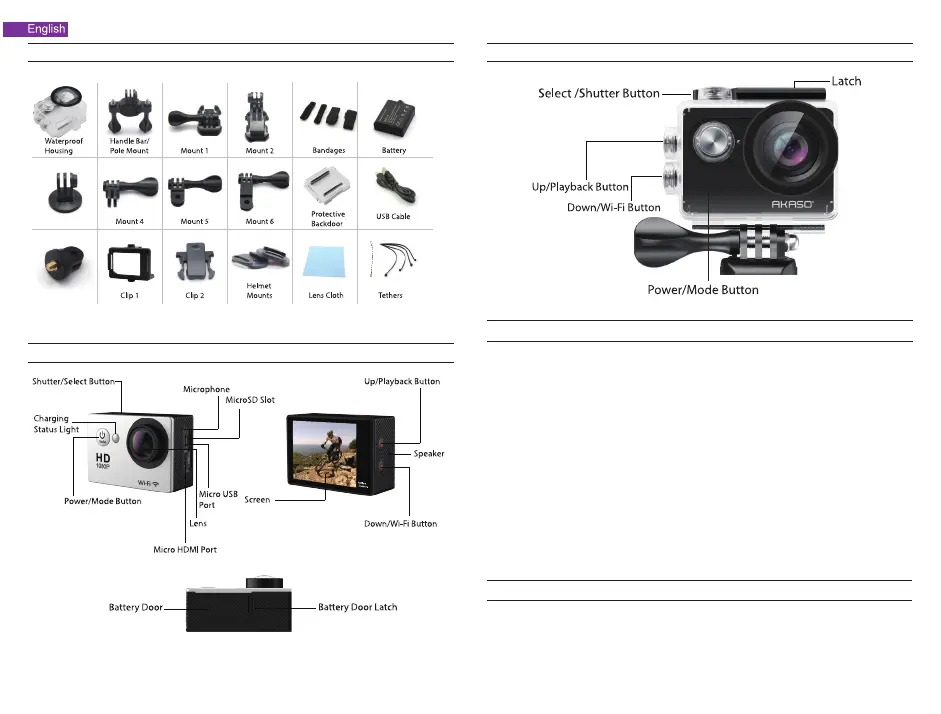
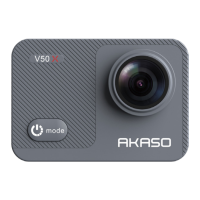
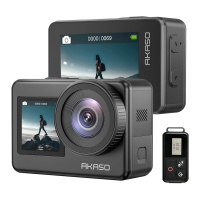
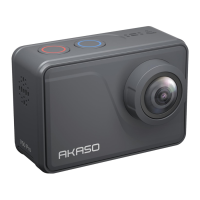
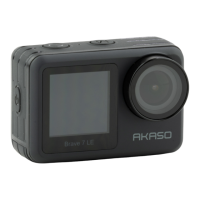
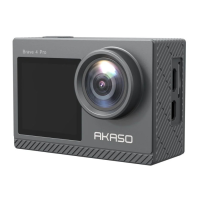
What's in The Box
There are 6 modes: Video, Photo, Burst Photo, Time Lapse, Playback, Settings. To adujst camera
specifics for video, photo, exposure, language and more, go to Settings to set
it up.
Instructions
Overview of Basic Functions
Welcome to use your AKASO Action Camera. To record or take pictures, Micro SD card (not
included) is a must.
Micro SD card specifications:
MicroSD/Micro SDHC/Micro SDXC
Class 10/ UHS-I
up to 32GB (compatible with 8GB, 16GB, 32GB)
Format the SD card first on this camera before using. Regularly formating the SD card will
maintain the card in good working condition. Before formatting, be sure to back up all the files in
your SD card.
Battery
Please make sure the battery is full of power when use it for the first time.
Charge the battery: connect the camera to a computer or USB power supply. When it's charging, the
light remains ON. When fully charged, the light will turn OFF.
Power ON/ Power OFF
To power ON, Press the Power/Mode Button; To power OFF, press and hold the Power/Mode Button.
Camera Buttons & Functions
Waterproof Case
1
2


 To Next Page