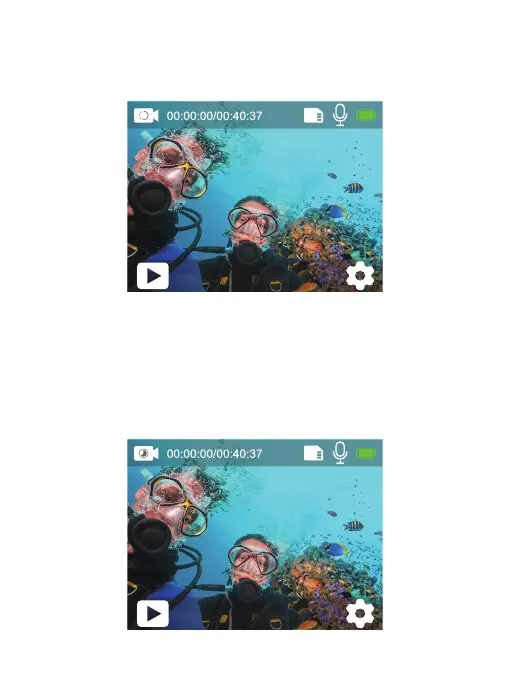
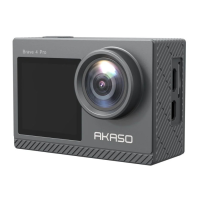
Slow Motion Mode
In Slow Motion Mode, press the Shutter button, the camera records slow-motion
video. Press and hold the Up or Down button to adjust the zoom level.
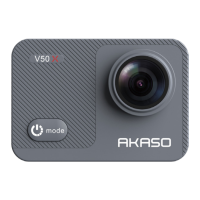
Time Lapse Video Mode
In Time Lapse Video Mode, press the Shutter button, the camera records video
from frames captured at specific intervals. Press and hold the Up or Down button
to adjust the zoom level.
Note: Time Lapse Video is captured without audio.
Slow Motion
1080P90fps
Time Lapse
4K30fps
9


 To Next Page