Time Lapse Photo Mode
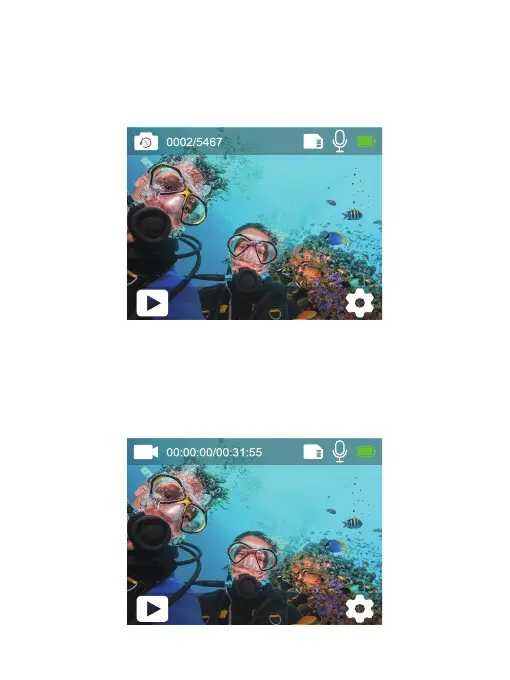
In Time Lapse Photo Mode, press the Shutter button, it captures a series of
photos at specific intervals. Use this mode to capture photos of any activity, then
choose the best ones later. Press and hold the Up or Down button to adjust the
zoom level.
Video Mode
Video Mode is the default mode when you turn on the camera. In Video Mode,
press the Shutter button, the camera starts recording video. Press the Shutter
button again to stop recording video. Press and hold the Up or Down button to
adjust the zoom level.
Time Lapse
12M
Video
4K30fps
8


 To Next Page