Self-Timer Mode
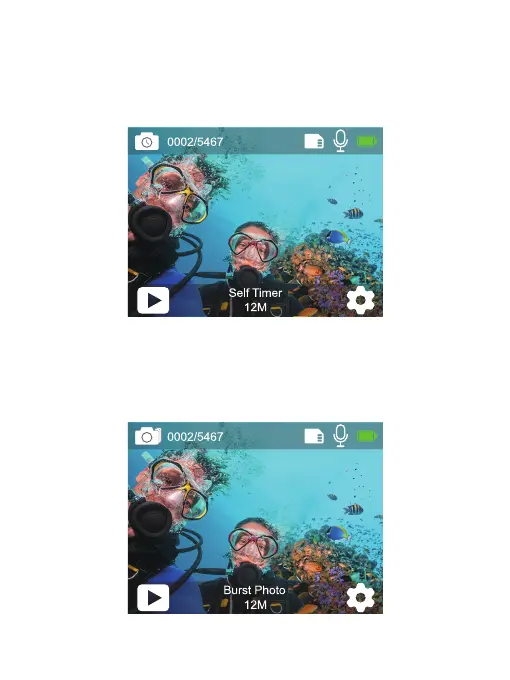
Press the Mode button or tap the shooting mode area on the screen to switch to
Self-Timer Mode after you turn on the camera.
In Self-Timer mode, press the Shutter button, it takes a self-timer photo. Press and
hold the Up or Down button to adjust the zoom level.
Burst Photo Mode
In Burst Photo mode, press the Shutter button, several photographs are captured
in quick succession, so it is perfect for capturing fast-moving activities. Press and
hold the Up or Down button to adjust the zoom level.
7


 To Next Page