EasyManua.ls Logo

AKG PT 40 FLEXX - User Manual

AKG PT 40 FLEXX
76 pages
Go to English
Print Icon
To Next Page IconTo Next Page
Loading...
BEDIENUNGSANLEITUNG . .S. 2
Bitte vor Inbetriebnahme des Gerätes lesen!
USER INSTRUCTIONS . . . . . . . .p. 15
Please read the manual before using the equipment!
MODE D’EMPLOI . . . . . . . . . . . . . . . .p. 27
Veuillez lire cette notice avant d’utiliser le système!
ISTRUZIONI PER L’USO . . . . .p. 39
Prima di utilizzare l’apparecchio, leggere il manuale!
MODO DE EMPLEO . . . . . . . . . . . .p. 51
¡Sirvase leer el manual antes de utilizar el equipo!
INSTRUÇÕES DE USO . . . . . . . .p. 63
Favor leia este manual antes de usar o equipamento!
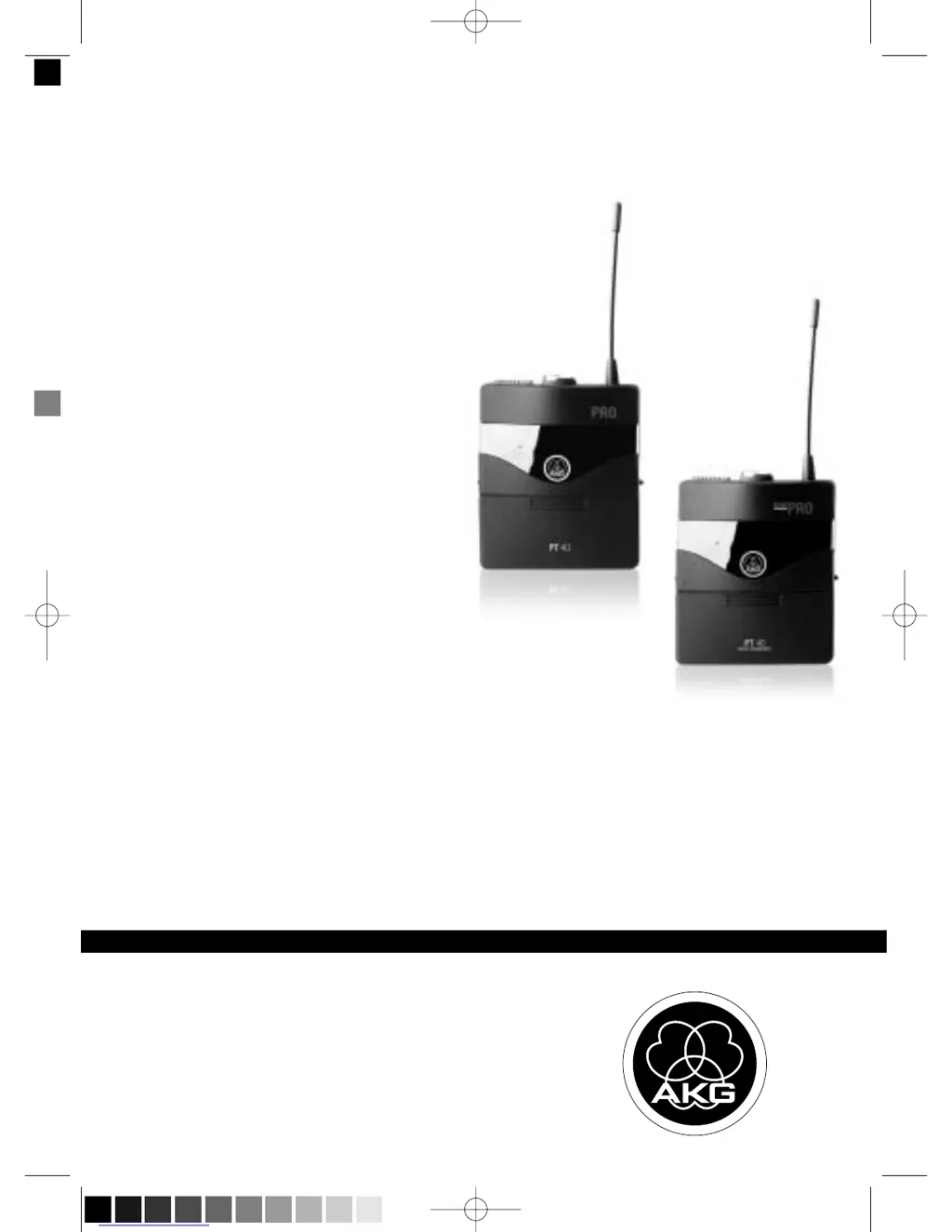
PT 40 FLEXX
PT 40 PRO
PT 40_2008_Hex:Layout 1 01/17/2008 09:51 Seite 1 (Schwarz/Black Auszug)

Table of Contents

Questions and Answers

  • B
    Brian MathewsAug 6, 2025
    What to do if my AKG PT 40 FLEXX has noise, crackling, or unwanted signals?
    • L
      Larry Aguirre IVAug 7, 2025
      If you're experiencing noise, crackling, or unwanted signals with your AKG Transmitter, it could be due to: 1. Antenna location: Try relocating the receiver. 2. Interference: Sources like other wireless systems, TV, radio, CB radios, or defective electrical appliances can cause interference. Try switching off these sources or using a WMS 40 SINGLE/DUAL tuned to a different frequency, or switch WMS 40 FLEXX to different frequency; have electrical installation checked.
  • E
    Evelyn AndersonAug 15, 2025
    How to fix distortion on AKG Transmitter?
    • C
      Carl DavisAug 15, 2025
      If you are experiencing distortion with your AKG Transmitter, consider the following: 1. GAIN control: Adjust the GAIN control, as it may be set too high or too low. Turn it down or up just enough to eliminate the distortion. 2. Interference: Interference from other wireless systems, TV, radio, CB radios, or defective electrical appliances or installations can cause distortion. Try switching off these sources or using a WMS 40 SINGLE/DUAL tuned to a different frequency, or switch WMS 40 FLEXX to different frequency; have electrical installation checked.
  • L
    Lindsey BarkerAug 22, 2025
    What to do if AKG Transmitter has dropouts?
    • J
      Jordan OlsonAug 22, 2025
      If you experience momentary sound loss ("dropouts") with your AKG Transmitter in certain areas, it might be due to the antenna location. Try relocating the receiver. If the issue persists, identify and avoid those problematic spots.
  • A
    Angela KnightOct 30, 2025
    Why is there no sound coming from my AKG Transmitter?
    • S
      Susan JohnsonOct 30, 2025
      If your AKG Transmitter has no sound, consider these potential causes: 1. Ensure the AC adapter is correctly connected to both the receiver and the power outlet. 2. Verify the receiver is switched ON. 3. Check the connection between the receiver and the mixer or amplifier. 4. Adjust the VOLUME control on the receiver, ensuring it's not at zero. 5. Confirm the microphone or instrument is properly connected to the bodypack transmitter. 6. Make sure the transmitter and receiver are tuned to the same frequency. 7. Check that the transmitter's on/off switch is set to "ON" and not "MUTE". 8. Verify the transmitter batteries are correctly inserted, matching the "+" and "-" marks. 9. Replace dead batteries in the transmitter. 10. Reduce the distance between the transmitter and receiver, ...

Summary

Safety and Environment

Description

PT 40 PRO Bodypack Transmitter

Details about the PT 40 PRO bodypack transmitter, including its features and connectivity.

PT 40 FLEXX Bodypack Transmitter

Setting Up

Inserting and Testing Batteries

Step-by-step guide for inserting and testing batteries in the PT 40 PRO and PT 40 FLEXX transmitters.

Connecting Microphone;Instrument (PT 40 PRO)

Instructions on connecting microphones or instruments to the PT 40 PRO transmitter.

Connecting Microphone;Instrument (PT 40 FLEXX)

Before the Soundcheck

Multichannel Systems Setup

Changing Carrier Frequencies

Microphone Technique

Troubleshooting

AKG PT 40 FLEXX Specifications

General IconGeneral
BrandAKG
ModelPT 40 FLEXX
CategoryTransmitter
LanguageEnglish

Related product manuals