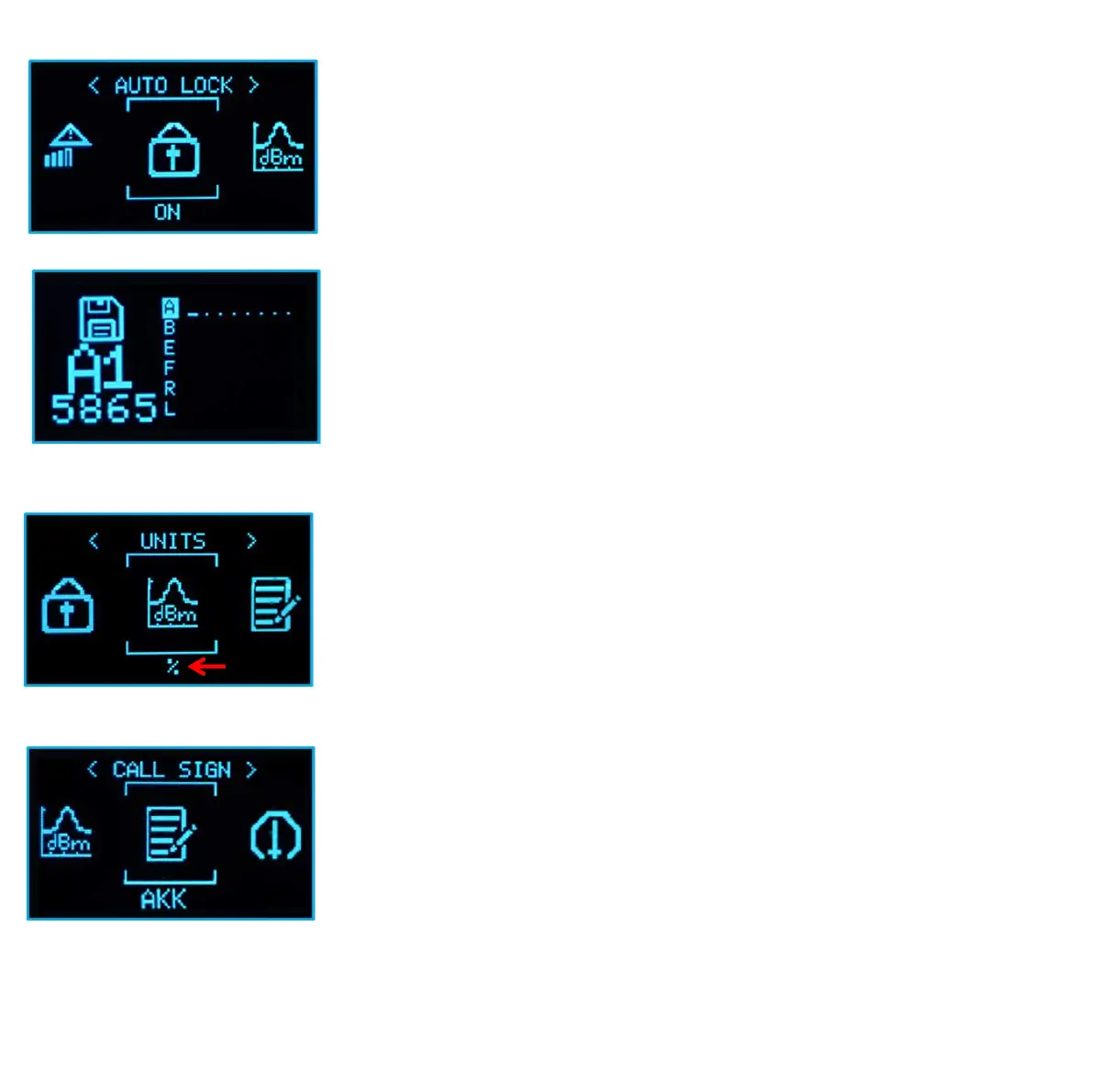
Auto Lock: ON/OFF two options. If selecting "ON" and exit to
ACTIVE CHANNEL interface. The OLED display will auto lock
after 10s.Under lock status, pressing any button will be invalid.
Pressing select button 3s to unlock the device. You can also
easily lock/unlock the device by pressing select button 3s.
Units: show index signal in “%" or "dBm"
Callsign: you can set your own callsign, 9 alphanumeric
characters and symbols max.



 To Next Page