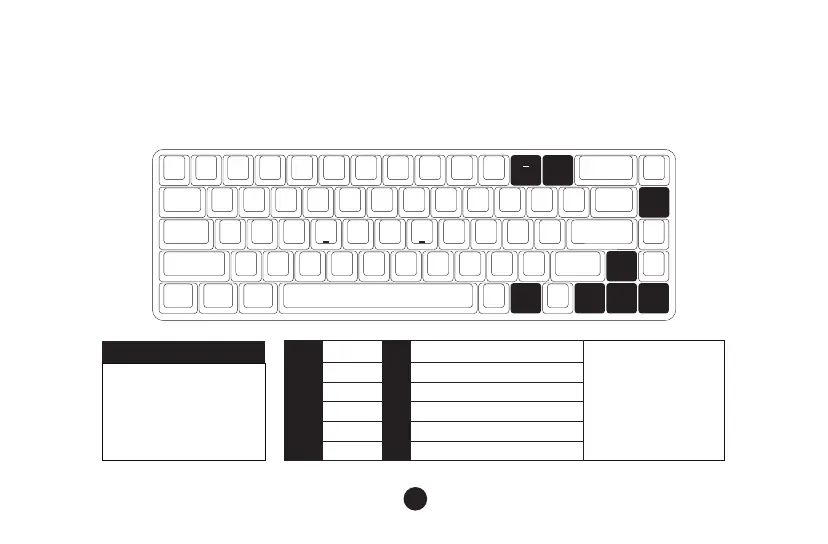
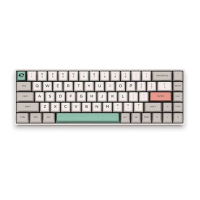
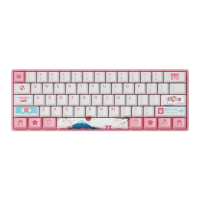
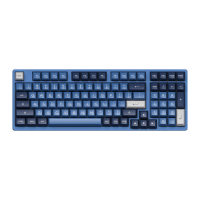
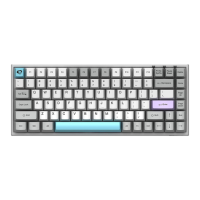
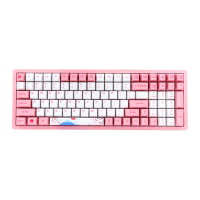
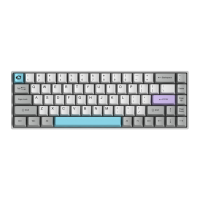
3068S Single-Color Backlight
12
*Backlight function is only available on the backlight version of 3068s.
↑
↑
↑
↑
Fn
+
Del
Lighting effects cycles among
Steady / Breathe / One-key
light up / One-key light off
Wave / Ripple / Raindrop
Bright
Dim
Set animation direction to left
Set animation direction to right
Slower Animation
Faster Animation
“↑”
“↓”
“←”
“→”
“-”
“+”
Fn+ =
Fn+Del
The adjustments on the left is
for generic lighting effects.
Some lighting effects cannot
be tweaked. For example,
effects with constant light can
only adjust brightness as they
don’t have animation speed
and direction.


 To Next Page