Need help?
Do you have a question about the Akko 3084 Series and is the answer not in the manual?
Press Fn + Left Win to lock the Windows key.
Hold Fn + ~ key to restore factory settings.
Steps to enter, edit, and save custom lighting.
Macro functionality is hardware-based, no software needed.
Esc, Fn, and Left Win keys cannot be programmed.
Switch to Macro mode via Fn+Win (3s).
Long press Fn+Left Win to enter Macro mode.
Press Fn+Esc to launch the Macro editor.
Press keys to store them for macro recording.
Press Fn+Custom Key to finish macro recording.
Example: Define 'A' to output 'AKKOGEAR'.
Press Fn+[Key] to select a key for macro definition.
Press Fn+[Key] again to finish recording for that key.
Press Fn+Esc to exit the Macro editor.
Hold Fn+Left Win for 3s to exit Macro mode.
 General
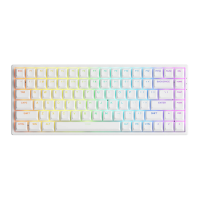
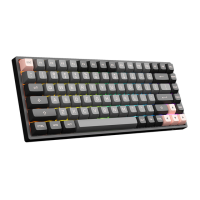
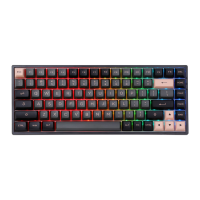
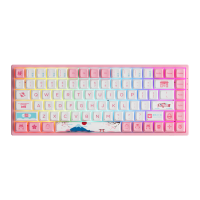
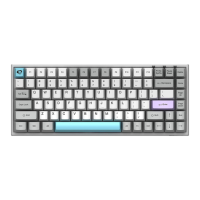
| Number of Keys | 84 |
|---|---|
| Keycap Material | PBT |
| Hot-swappable | Yes |
| Interface | USB Type-C |
| Printing Method | Dye-Sublimation |
| Layout | 75% |
| Connection | Wired |
| Backlight | RGB |
| Compatibility | Windows, macOS |
| Weight | 800g |
| Switch Type | Akko Switch/Gateron Switch/Cherry MX Switch |

 To Next Page