EasyManua.ls Logo

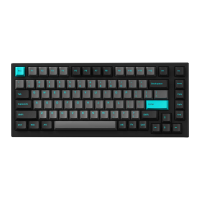
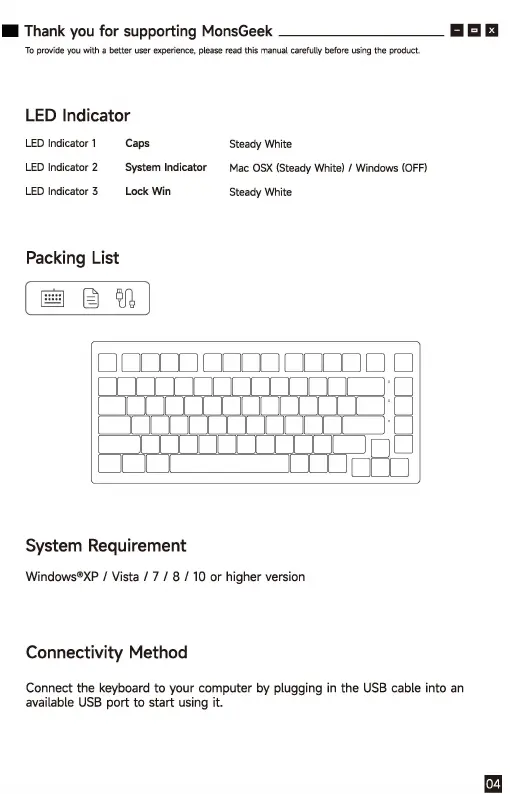
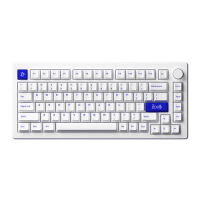
Akko MG75 - LED Indicators; LED Indicator 1 (Caps); LED Indicator 2 (System Indicator); LED Indicator 3 (Lock Win)

Akko MG75
6 pages
Print Icon
To Next Page IconTo Next Page
To Previous Page IconTo Previous Page
Loading...
Thank
you
for
supporting
MonsGeek
国日回
To p
rrw
i
de
yo
u
th
a
be
tt
e,u
筠,
e,perie
oc
e,
please
naad
th
is m
ao
ual
cana
fu
ll
y
befo
,e
us
iog
th
e
p
u
ct
.
LED
Indicator
LED
Indicator
1
Caps
Steady
White
LED
Indicator
2
System
Indicator
Mac
OSX
(Steady
White)
/
Windows
(OFF)
LED
Indicator
3
Lock
Win
Steady
White
Packing
List
[言邑叽
l
D I
1_1
_
1_1
1
1_1
_
1_1
1 U _U
DD
§
System
Requirement
Windows®
XP
I
Vista
I 7 I 8 I
10
or higher version
Connectivity
Method
Connect the keyboard to your computer
by
plugging
in
the
USB
cable into
an
available
USB
port to start using it.

Related product manuals