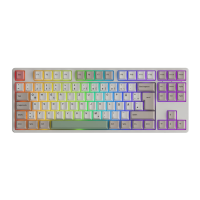
0106
you f
1
2
3
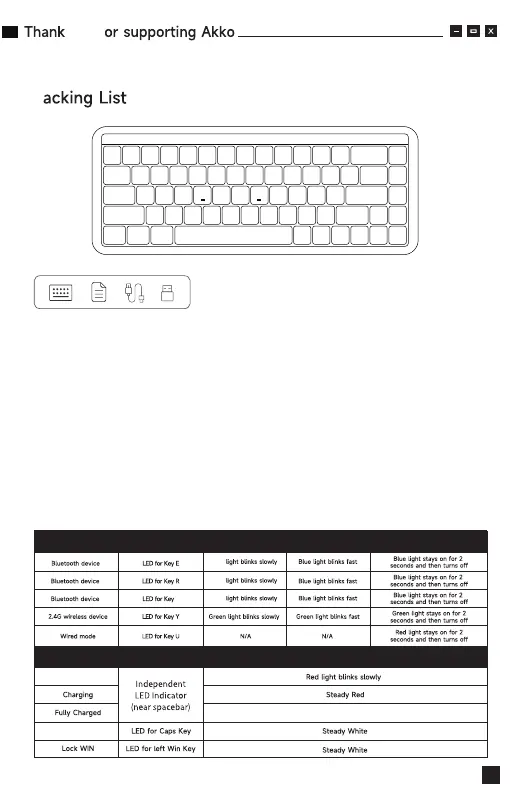
Low Battery
Caps
T
Blue
Blue
Blue
Status Indicator Re-Connecting
Status Indicator Indicating Mode
Pairing Connected
P
Green light stays on / Return to regular RGB settings
Minimum System Requirement
Windows®XP / Vista / 7 / 8 / 10 or higher version
Connectivity Method
Connect the keyboard to your computer by plugging in the USB cable into an
available USB-A port to start using it.
LED Indicator Overview


 To Next Page