Speaker out:
14 Watt stereo speaker output on 4 screw on terminals. Connect this directly into a
pair of 10-20watt speakers 8 (or 4) ohms.
Power input:
Connect the power supply (included with the unit) into this input. Input is 12VDC,
30 watt.
SR6 Compact Flash card and SD card flash drive:
Note: This SR6 is compatible and will play any SR4 compact flash card.
• To loop file(s) automatically after powering up OR to play using push
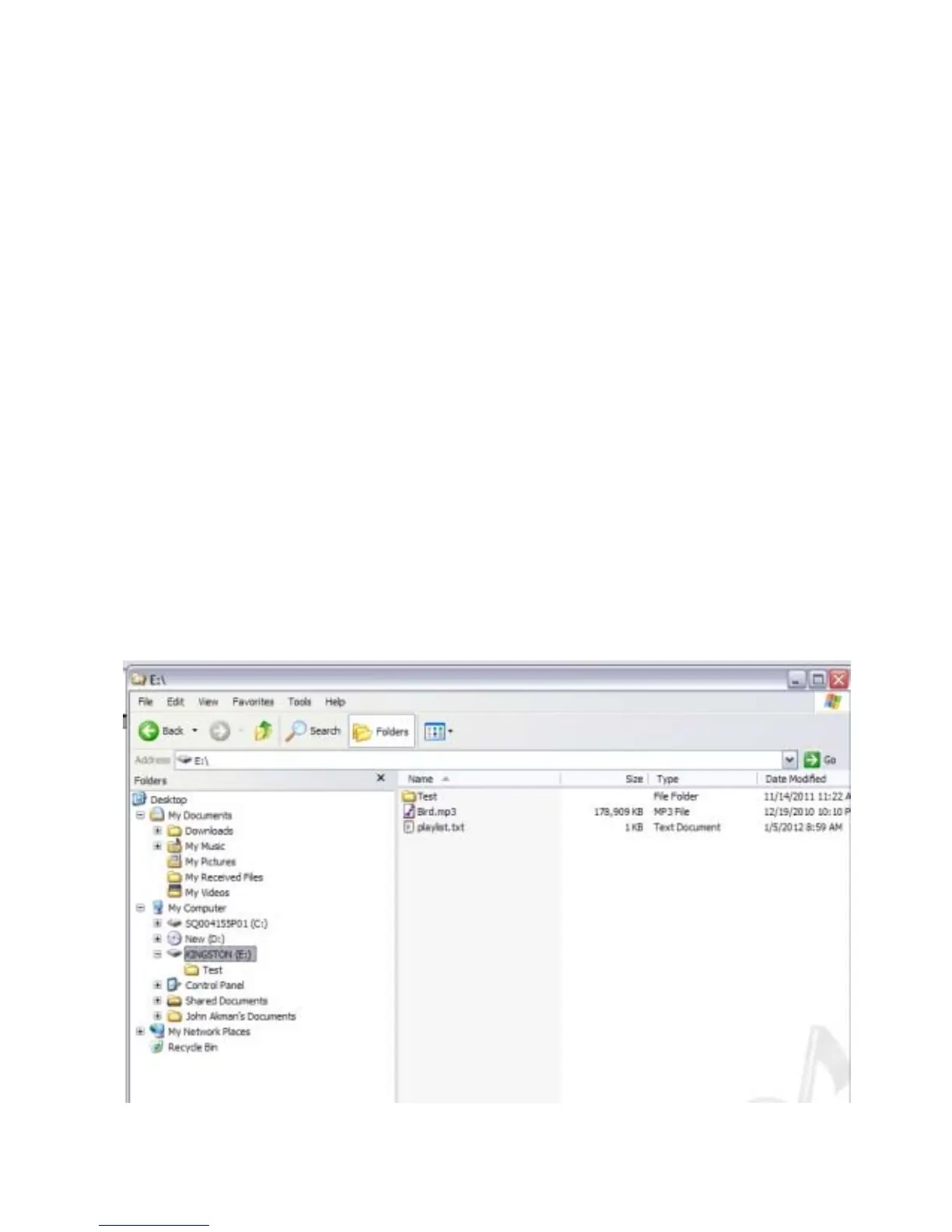
buttons the Compact Flash card requires at least 1 A/V File in the root
(home directory, not in folder), playlist.txt and 1 File Folder.
• The SR6 will automatically loop A/V File (s) in the root after powering up.
The files are sorted alphabetically.
• playlist.txt is a text file that contains the SR6 setup and instruction on how
you want the input (push button) to play the files that are located inside the
file folder(s).
♦ File folder(s) contains files that you want to play using the input (push
buttons). These files will not play automatically, it will only play when an
input (push button) is triggered.
Here is a typical content of a CF card if you want to loop file(s) only:



 To Next Page