E:\ (this is the CF card)
Bird.mp3 (this is the root directory)
playlist.txt (this is a text file, could be blank)
Test:\ (note: this is a File folder, could be empty)
TEST file folder is required but this folder can be empty.
The content of playlist.txt can be blank but must be present in the root
directory.
Explanation:
SR6 will sort and play the file alphabetically.
After powering up, Bird.mp3 (or any other audio files in the root) will
automatically loop.
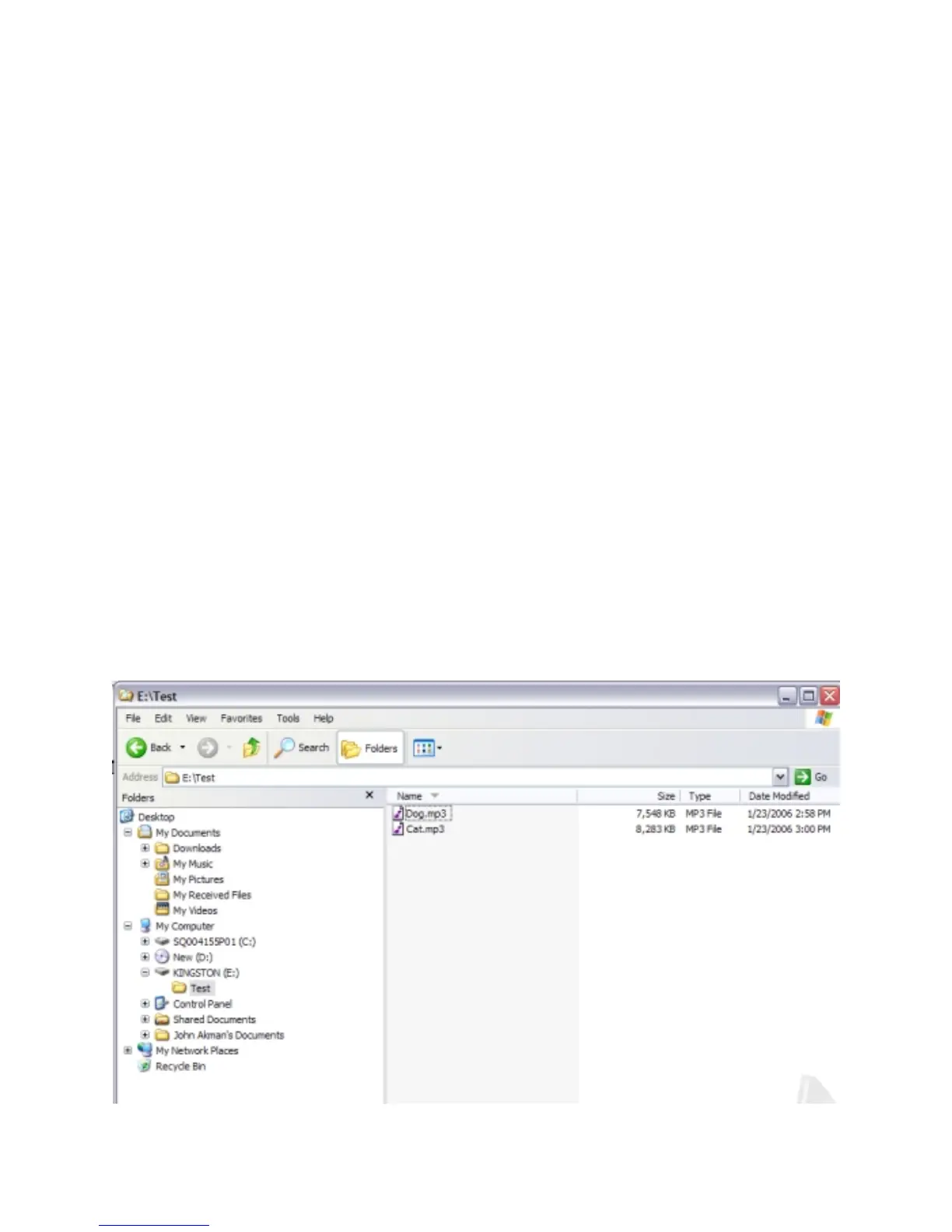
Here is a typical content of a Memory card if you want to play file(s) using
push button(s):
F:\
Bird.mp3 (file in the root directory needed for Inputs)
playlist.txt (this is a text file)
Test:\ (note: this is a File folder)
Dog.mp3 (this file will be played by a PB1)
Cat.mp3 (this file will be played by a PB2)
And here is the content of playlist.txt:
010000=Dog.mp3
020000=Cat.mp3



 To Next Page