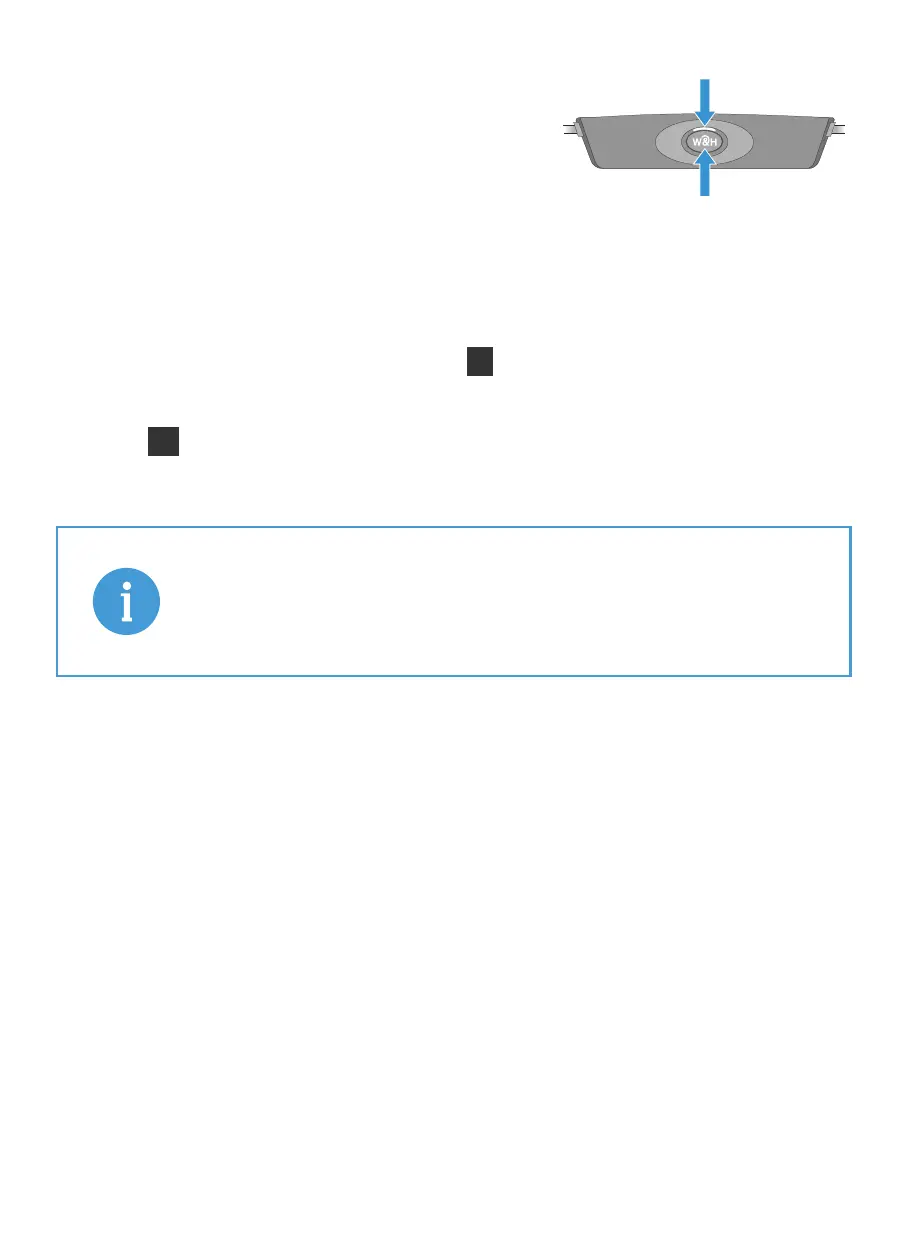
3. Turn on the BeHear ACCESS headset
by pressing the Power button and
holding it until the unit vibrates
and the LED turns light blue.
A voice prompt will be played.
4. Successful connection of the BeHear ACCESS is
indicated by the illuminated A on the HearLink PLUS
panel.
The LL is illuminated to indicate that the Low Latency
APTX-LL Bluetooth CODEC is being used.
LL
A
If the automatic connection is delayed, briefly
press the BeHear ACCESS Power button to
reconnect it to the HearLink PLUS transmitter.
3
Power button
LED indicator



 To Next Page