Helpful Information
C
5
2. If you do not hear audio:
Ensure that the ‘audio out’ port of your TV connected to
the HearLink PLUS is active. For some devices you need
to enable the audio output. Refer to your device’s user
manual.
Toggle the Play/Pause button on the BeHear
headset's left-hand control box or button on the
HearLink PLUS.
2
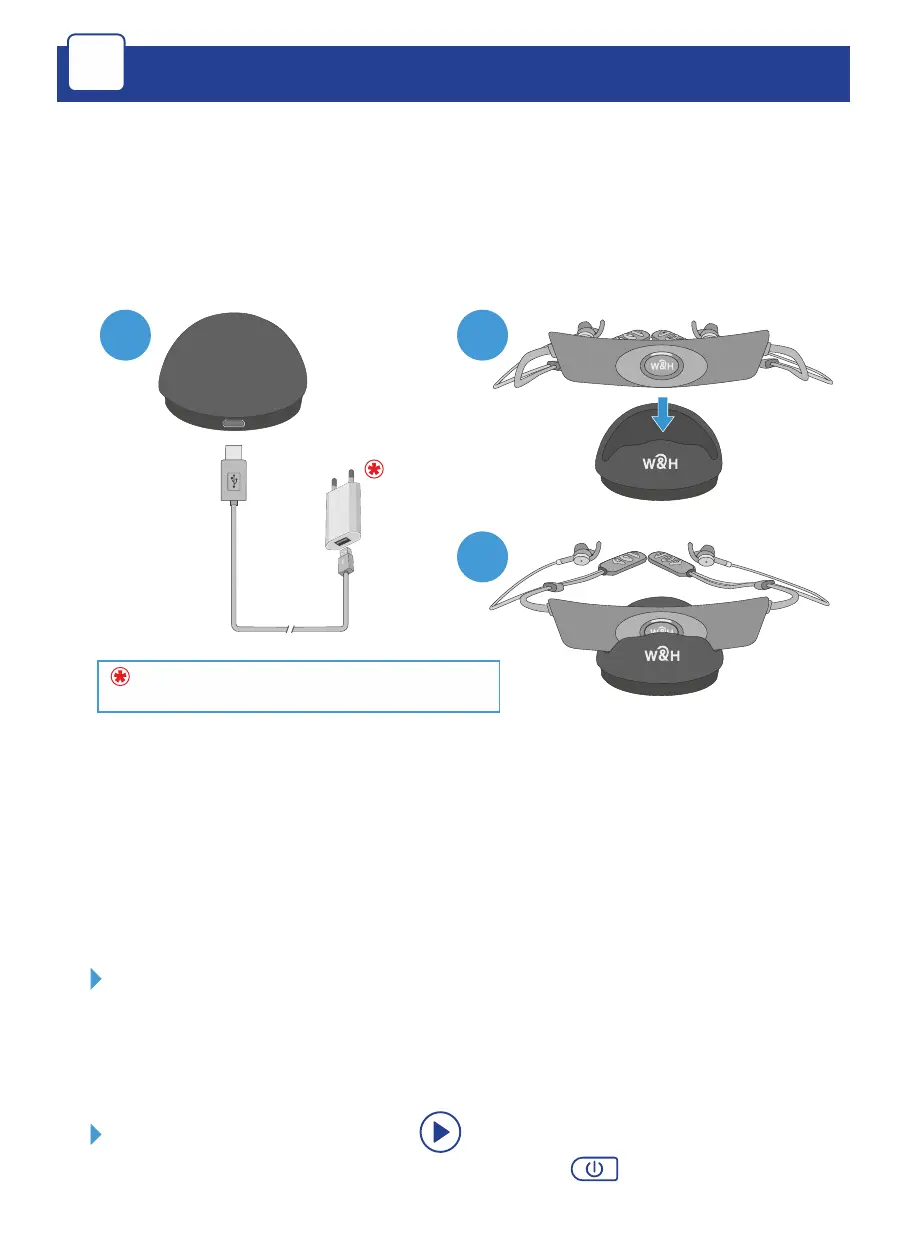
Wall plug purchased separately
1
3
1. To charge the BeHear ACCESS headset, connect the small
end of the supplied micro-USB cable to the charging
cradle, and the large end via a power adapter to a wall
socket (or directly to a USB port).
The LED indicator is red during charging and turns green
when the headset is fully charged, typically within 2-3
hours.



 To Next Page