8 9
Troubleshooting
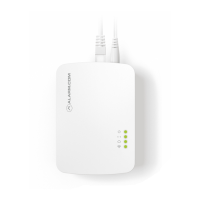
If you are still having issues using the
Smart Gateway, please try the following
troubleshooting options:
Check your router’s connection to the Internet
If you cannot access the Internet using
your router, please contact your Internet
Service Provider to restore Internet access.
Try adding the device again.
Perform a communication test
Press the Reset button (pinhole) for 1 to
3 seconds (use a paper clip or tool if necessary).
The Communication LED will quickly flash
five times to indicate that the test was sent.
Please wait two minutes before trying to
use the device again.
Power cycle
Unplug the device from power for 10 seconds
and plug it back in. Wait for the Power and
Communication LEDs to become solid before
trying to use the device again.
Additional States
All LEDs Flashing (escalating)
Firmware Upgrade in progress
All LEDs Flashing (simultaneously)
Reset in progress

 To Next Page
 Loading...