Programming the 7845C with a 7720P Programming Tool or Using Pro
Using a 7720P, enter programming mode.
Question 1. Mode Press the [space] key to scroll through
the modes of operation.
(4204)
Press [ENTER] to select 4204 Mode.
Question 2. Device Addr Enter the 4204 device address. This
must be address 1 for all panels.
Or, use PRO Mode. Select 4204 by toggling the test/tamper switch
during power-up so that MODE LED-1 is unlit and MODE-2 LED is lit.
The default device address will be 1.
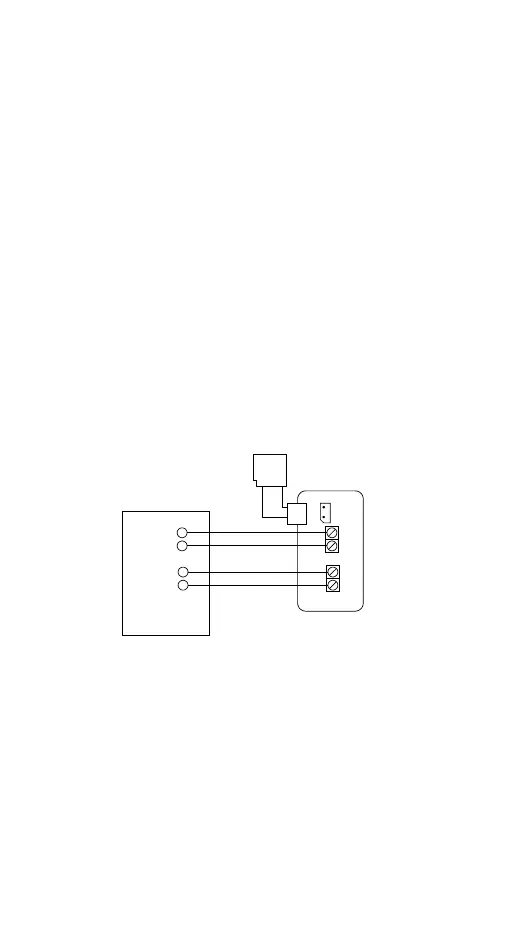
Wiring
Connect as shown below. For detailed information, refer to the
appropriate installation and setup guide.
Section 4. Wiring and Programming Guides by Panel Type - cont



 To Next Page