9
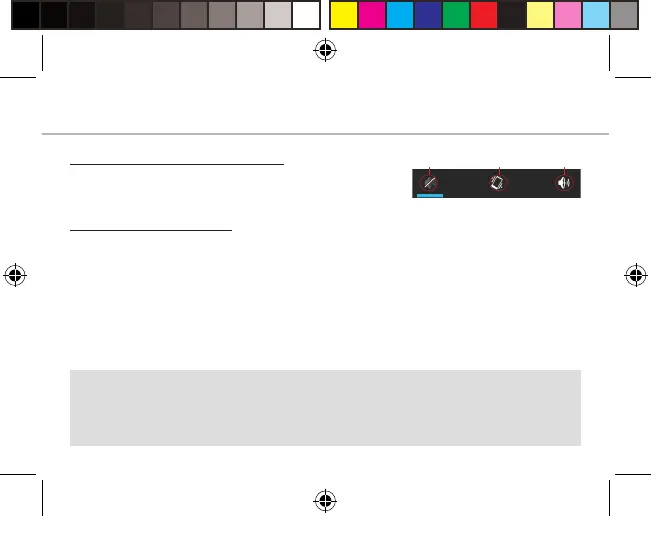
Sound & Notification profiles
1. When the device is turned on, press and
hold the ON/OFF button.
2. Select an option.
Touch screen actions:
Tap: touch once to select or launch a menu, option, or application.
Tap and hold: tap an item and hold it for more than 2 seconds.
Drag: tap an item and move it to a new location.
Double-tap: tap an opened Web page twice quickly to zoom in/zoom out.
Flick: briskly scroll up, down, left, or right to move through lists or screens.
Pinch in/out: place two of your fingers far apart, and then pinch them
together.
Tip:
Your device goes in standby mode when you do not use it for a
specified period of time. To wake up your device, press the ON/OFF
button. To set the duration, go to Settings > Display > Sleep.
Silent Vibrate Sound
Alba_4_Android_book.indd 9 12/05/2015 17:56:37



 To Next Page