8
6. GENERAL INFO and SETTINGS
Conventions used in this manual
Button (press) Physical button on the keypad
Option (select) Menu option shown on the display
Name Menu, screen or other name
DR 460 has numerous features which require a small degree of setup before users
are able to fully use all the functionalities of the radio. The Main Menu Æ System
Setup menu has a series of options that allow system-wide settings to be altered.
These settings are:
DR 460 has basically three types of menu. Use the Select control to
step through and select options. A scroll bar on the right of the screen
shows if there are further options above or below those visible.
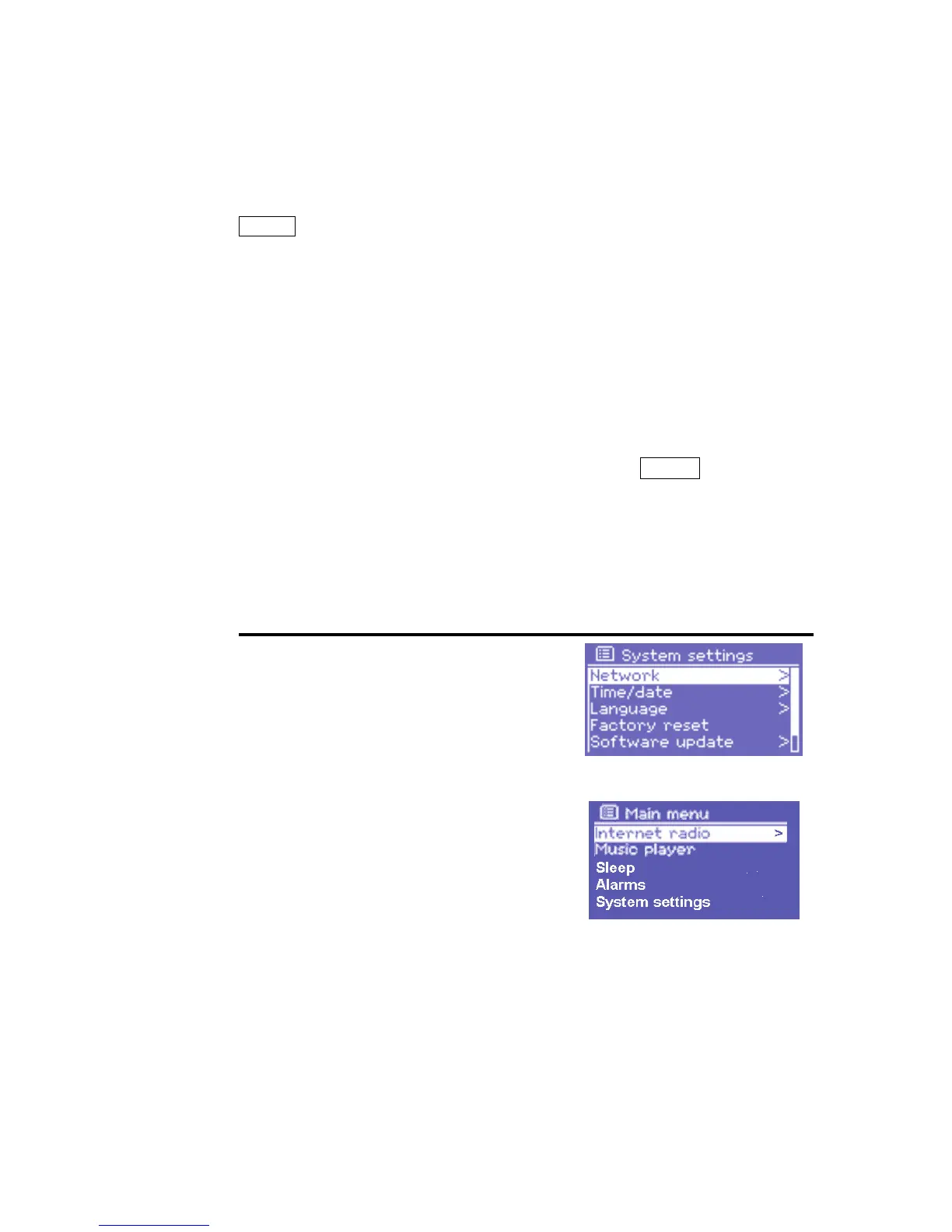
In addition, each mode menu has two
final options: System settings > and
Main menu >. The ‘>’ indicates options
leading to further menus.
The System settings menu allows
access to system settings and
information such as network, time,
language and software update.
Menus with more options than will fit on
one screen have a scroll bar to the right.
The Main menu allows access to all
modes plus sleep timer functions and
different Alarm settings
.
Some menus, for example the System settings and the Main menu,
have several submenus.
As Sleep timer you can choose OFF, 15, 30, 45 Minutes with UP/Down
keys
The Alarm settings can be programmed with Alarm Time and Radio
Programms (store radio stations as PRESET buttons 1-5 before or use
the last heared radio station for wake up alarm. Please do not forget to
let the stereo system switched on where you have connected the DR


 To Next Page
 Loading...