9
460- otherwise you cannot hear the sleep timer music or the radio
stations played as alarm wake up music.
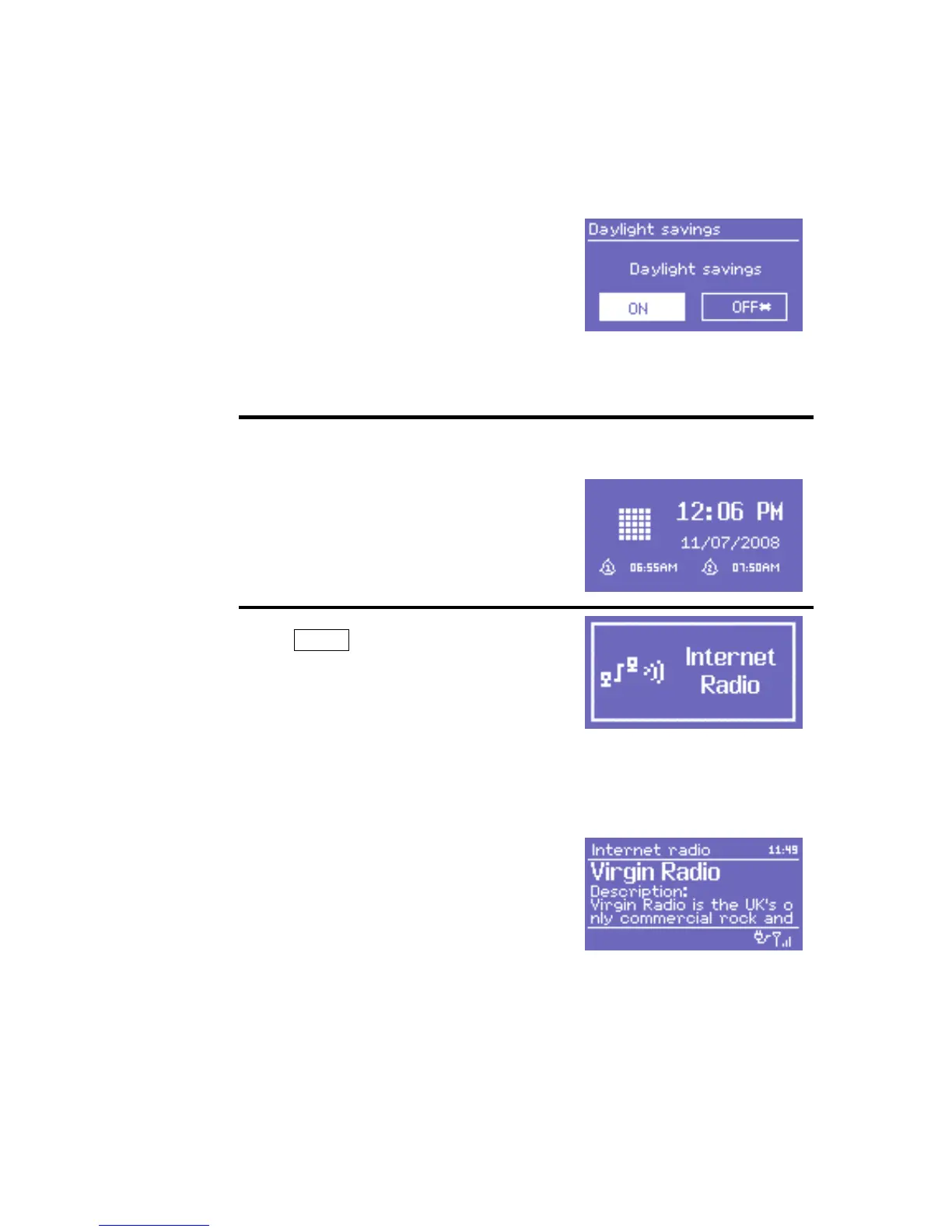
Dialogue screens
Dialogue screens are shown to allow the
user to change settings. They vary in
complexity from simple Yes/No options
up to the scrollable network password
input screen.
As with menus, the selected item is
shown with a white background.
Dialogue screens mark the current
setting with an asterisk (*).
DR 460 has basically three types of display screen:
The Standby screen shows the time,
date and any active alarm times.
As you cycle through the play modes
using Mode , DR 460 shows a splash
screen for each mode. After one
second, DR 460 enters the selected
mode and tries to start playing the last
station or track that was playing in that
mode. If this is not possible, DR 460 will
try to connect to the selected source by
scanning for stations, networks, or
prompting for user input as appropriate.
The Now playing screen shows
information about the audio source and
track now playing, where available.
In addition, there are screens for information such as volume, mute and
information/error messages.
7. Turning on DR 460
Preparing DR 460 for operation:



 To Next Page