12
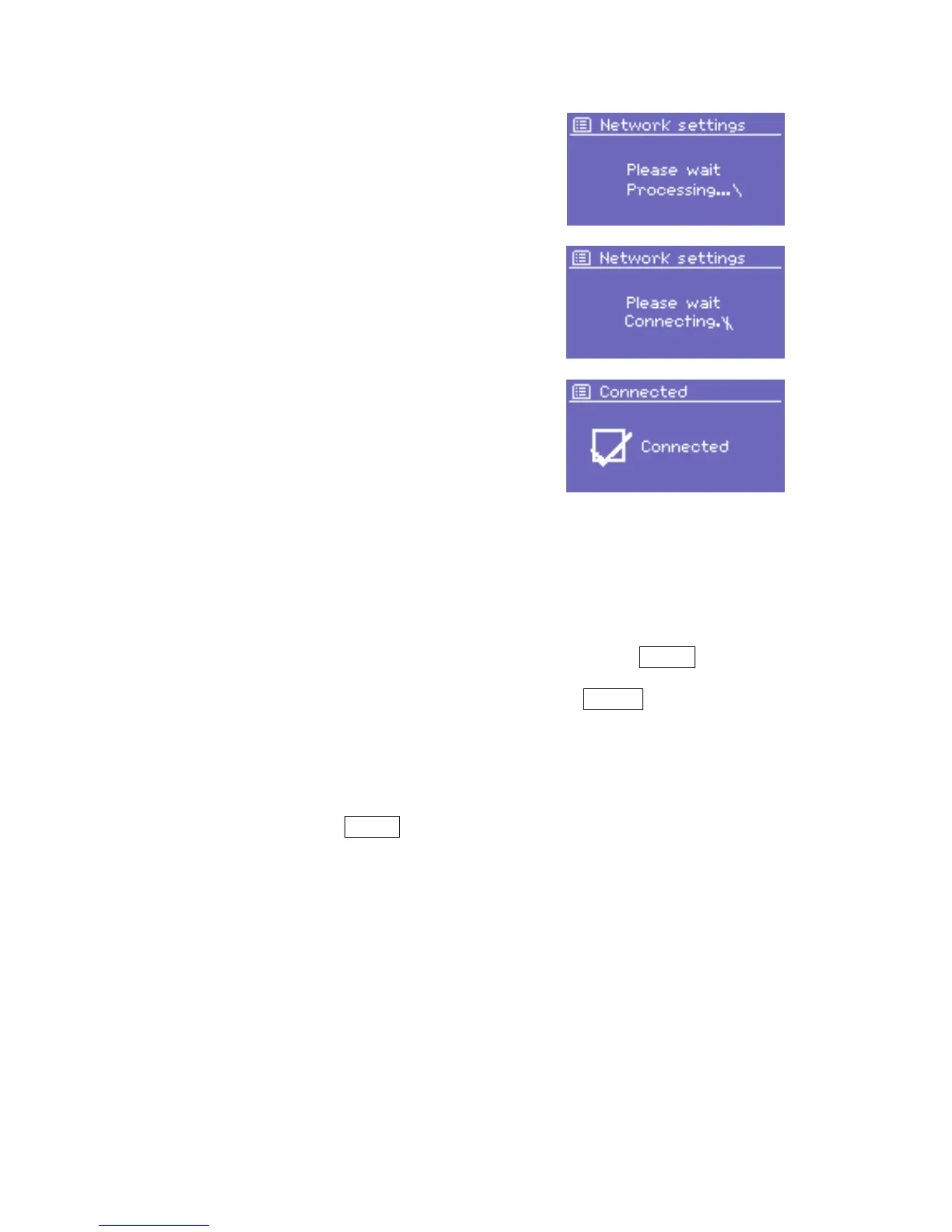
Once you have completed entering the
key, select OK, and DR 460 will try to
connect to the selected network.
If connecting fails, DR 460 returns to the
password entry screen.
If the network connection is lost, DR 460 automatically tries to reconnect.
Network profiles
DR 460 remembers the last four wireless networks it has connected to,
and automatically tries to connect to whichever one of them it can find.
You can see the list of registered networks through Menu > System
settings > Network > Network profile >. From here you can delete
unwanted networks by turning and pressing Select then confirming
delete Yes.
Other options
There are also other options for viewing and manually altering network
settings from Menu > System settings > Network >. These options
are not normally necessary, but users experienced with networking may
find them useful for diagnosing and fixing network problems.



 To Next Page