21
Each time you press Info , another set of information is displayed,
cycling through description, format/location, reliability, bit
rate/codec/sampling rate, playback buffer and today’s date.
10. Music Player Mode (Network and USB)
Music player mode plays audio files
such as MP3s or WMAs from a
computer on the local network, or
from a USB Flash stick or hard
drive.
To enter Music player mode, either press Mode until the display shows
Music player or select Menu > Main menu > Music player.
Once in music player mode, press Menu , then select either
Shared
media, Shared folders or USB mass storage.
If you are already playing a music file, you can press Back rather
than Menu to quickly return to the last visited branch of the menu tree.
For example, suppose you were listening to the track Heat by the artist
50 Cent through browsing shared media as described in section 0 below.
Pressing Back would return you to the track listing for the album
Get Rich or Die Tryin’. Pressing Back again would list all 50 Cent
albums. Pressing Back again would list all album artists, and so on.
10.1 Shared media (from media server)
Select Menu > Shared media >
If you have set up shared media (as described on page 14), you should
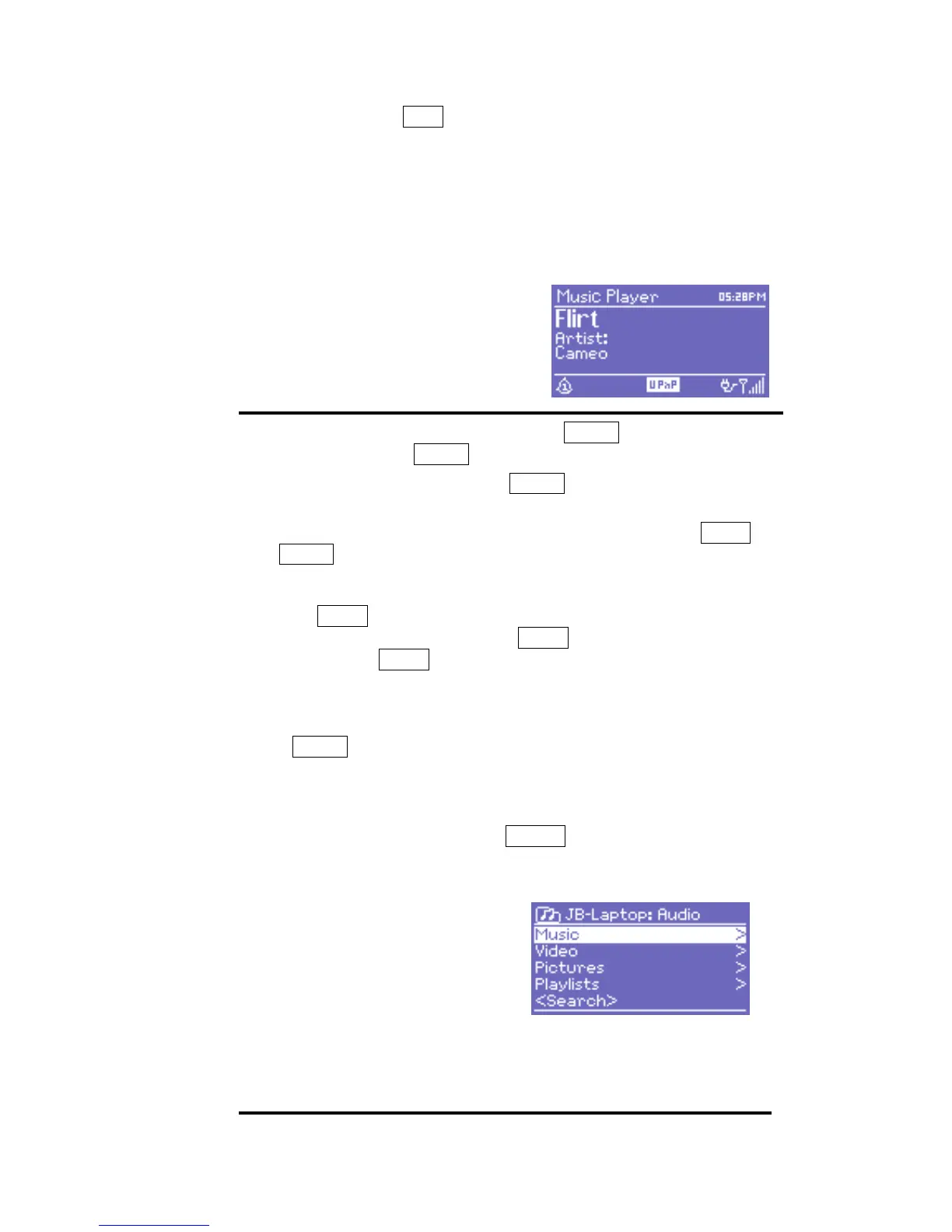
see an entry consisting of <computer name>: <Shared media name>, for
example JB-Laptop: Audio. If you have more than one computer sharing
media, the alternatives are listed. Select the shared media you want to
play.
From this point on, the menus
are generated from the shared
media server (typically Windows
Media Player). The first menu
shows a list of media types, for
example Music, Video, Pictures
and Playlists. DR 460 can only
play music and playlists.
There is also a search function,
which finds tracks in a similar


 To Next Page
 Loading...