23
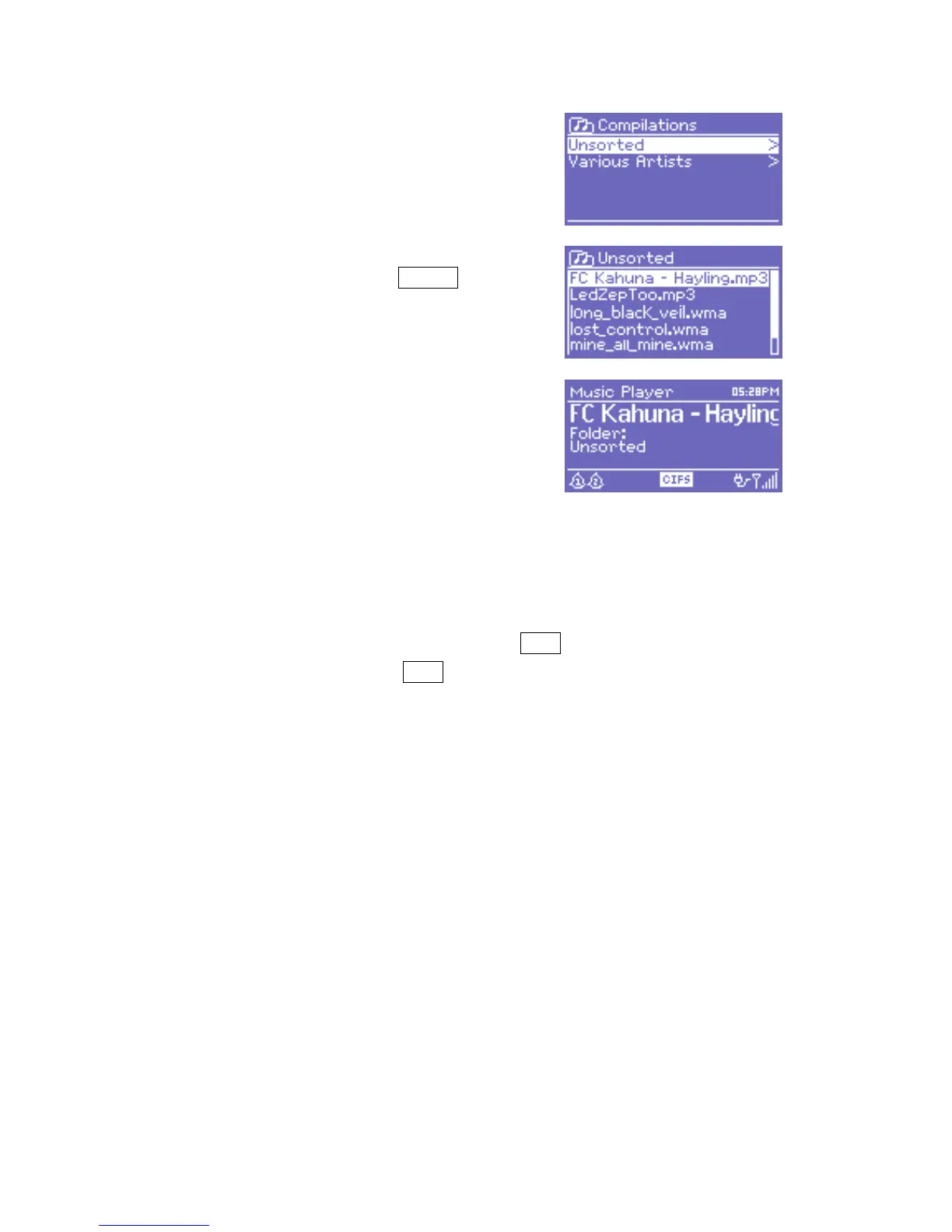
Once you have found a track you
want to play, press Select . DR 460
will play the selected track, then any
further tracks in the same directory, in
alphanumeric order.
10.3 Now playing information
While the track is playing, the screen shows its track and artist (UPnP) or
file name and folder (CIFS/USB). At the bottom of the screen, an icon
indicates UPnP, CIFS or USB depending on the source. To view further
information about the stream, press Info .
Each time you press Info , another set of information is displayed,
cycling through:
o UPnP: artist, album, URL, bit rate/codec/sampling rate, playback
buffer and today’s date,
o
CIFS/USB: folder, path, bit rate/codec/sampling rate, playback
buffer and today’s date.



 To Next Page