4 5
Home screen
You can bring all of the items (applications,
shortcuts, folders, and widgets) that you use
most frequently to your Home screen for
quick access.
Touching the Home button always takes you
back to the main Home screen.
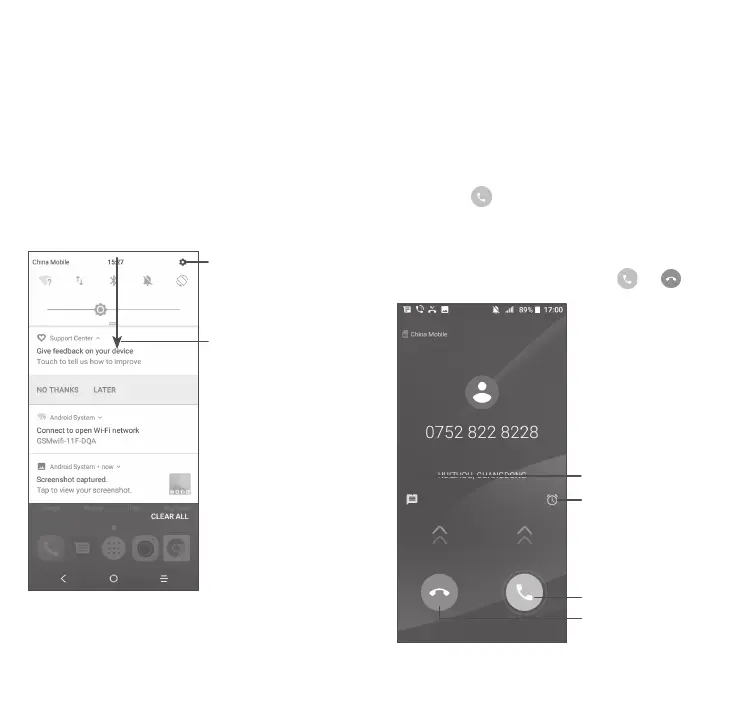
Open the Quick
settings panel
Touch and drag
down to open the
Notification panel
Phone call
Making a call
Enter the desired number from the keyboard
and touch to make a call.
Answering a call
When you receive a call, touch or :
Reject by SMS
Answer the call
Reject the call
Reject by Alarm



 To Next Page