49 50
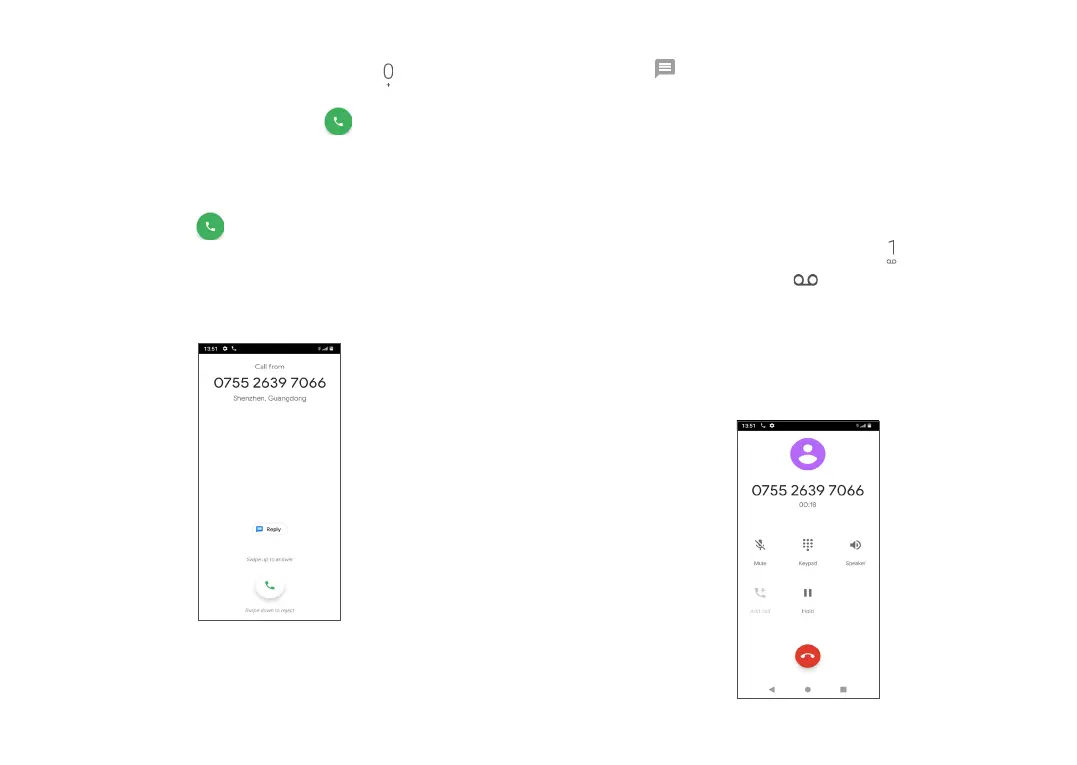
• Swipe down to reject the call.
• Touch to reject the call by sending a preset
message.
3.1.3 Calling your voicemail
Your voicemail is provided by your network to avoid
missing calls. It works like an answering machine that
you can consult at any time.
To access your voicemail, long press .
If you receive a voicemail, appears on the Status bar.
Open the Notification panel and touch New voicemail.
3.1.4 During a call
To adjust the volume during a call, press the Volume
key.
International call
To dial an international call, long press to enter “+”,
then enter the international country prefix followed by
the full phone number and touch .
Emergency call
If your phone has network coverage, dial the emergency
number and touch to make an emergency call. This
works even without a SIM card and without typing the
PIN code.
3.1.2 Answering or rejecting a call
When you receive a call:
• Swipe up to answer the call.



 To Next Page