6 7
Left soft key: Performs the functions
indicated by the screen text
on the bottom left of the
display
Send key: Pick up
Make a call
Access recent calls
1 key: Access your voicemail (press and
hold)
* key: Lock/Unlock the keypad (press the
key and the key to Lock/
Unlock the keypad while on the
Home screen)
Change input method (in edit mode)
Right soft key: Performs the functions
indicated by the screen text
on the bottom right of the
display
End key: Power on/off (press and hold)
End call
Return to the Home screen
# key: Change prole (press and hold to
change the mode between General
prole and Vibrate prole while on
the Home screen)
Enter symbol table (in edit mode)
Navigation key:
Up: Create Message
Down: Recent calls
Left: Tools
Right: Contacts
OK: My phone number (Press)
Available Airtime (Press and hold)
Volume key:
Side up key: Increase volume (press)
Side down key: Decrease volume (press)
Setting Up Voicemail
1. From the Home screen, press and hold the
key.
2. When connected, you’re prompted to set up
your voicemail.
2. Getting Started
Status Bar Icons
(1)
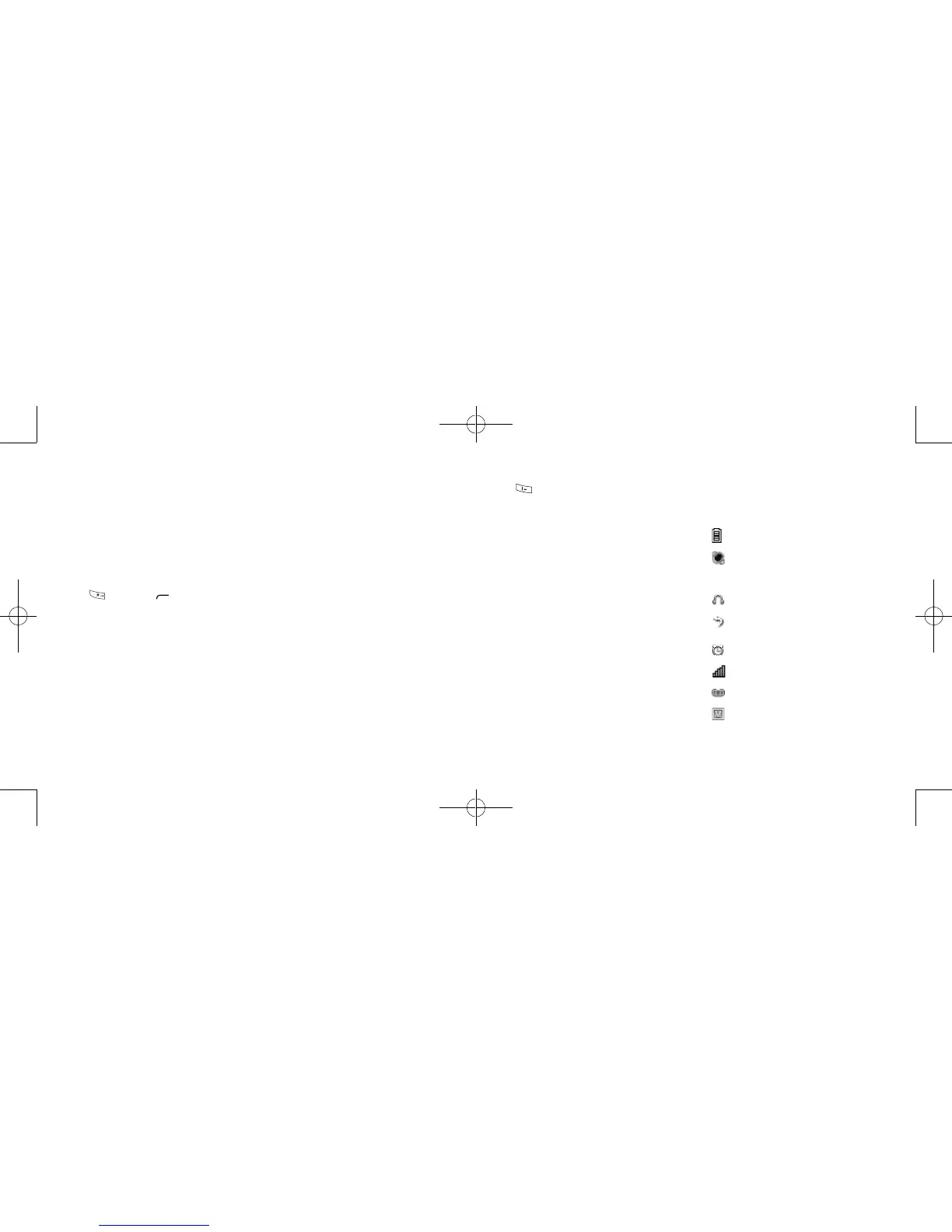
This list covers the symbols appearing on
your phone’s display and indicator area.
Battery charge level
Meeting mode: Your phone vibrates,
but does not ring or beep with the
exception of the alarm.
Headset connected
Call forwarding activated: Your calls
are forwarded.
Alarm or appointments programmed
Level of network reception
Voicemail message arrived
Voice service only
(1)
The icons and illustrations in this guide are
provided for informational purposes only.
Zodiac Refresh_Unlockable_Alcatel A207BG_UM_Eng_USA_20151008.indd 6-7 10/13/2015 10:59:13 AM



 To Next Page