3
Geng to Know Your Mobile Hotspot
Power key WPS key
Charging
out port
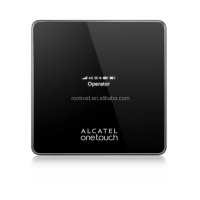
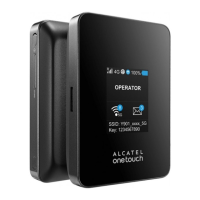
LED indicators
Charging in port
LED Descripon
Part Descripon
Power key
Hold the Power key for 3 seconds to
power the device on/o.
WPS key
Hold the WPS key for 3 seconds to
acvate the WPS funcon. Once
acvated, the Wi-Fi LED indicator will
ash every two seconds. If the network
is not accessed within 2 minutes, device
will automacally exit WPS mode.
LED indicators
Displays Wi-Fi, signal, baery, and SMS
status.
Charging in
USB Port
Use the USB Type-C port to charge your
device and connect your device to the
client via the USB cable.
Charging out
USB port
Use the USB port to charge other devices,
such as tablets and smartphones.
Reset
Press Reset key for 3 seconds to reset
device. All LED indicators will ash blue 2
mes to indicate that the device has been
reset to factory mode.











 To Next Page