7
Part Descripon
Power saving
mode
• If no buons are pressed for a
period of 30 seconds, all LED
lights will turn o automacally.
Press any buon, charge device, or
connect to a computer, to turn on
LED lights again.
• If no Wi-Fi is accessed for a period
of 10 minutes, network dialing
ceases automacally. Press any
buon, or access the device, to
turn on Wi-Fi again.
• If no Wi-Fi is accessed for a period
of 30 minutes, the Wi-Fi AP
funcon will turn o automacally.
Press any buon to turn on Wi-Fi
AP again.
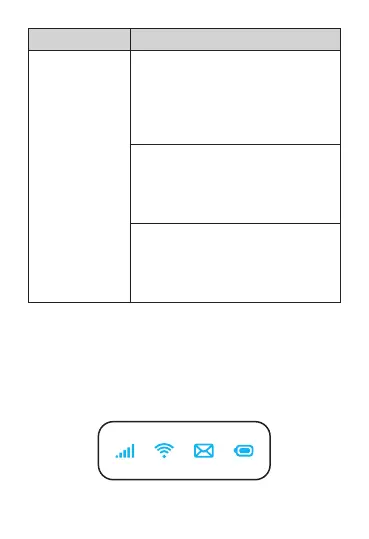
Indicators
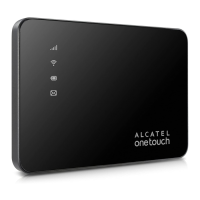
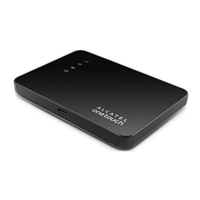
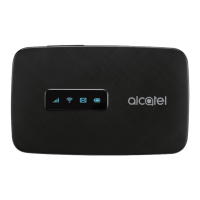
When the hotspot is powered on, the following icons will
illuminate. For a descripon of the icons, please refer to the
table below:








 To Next Page