6
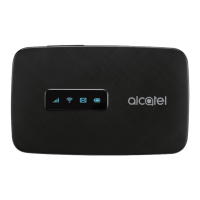
LED Descripon
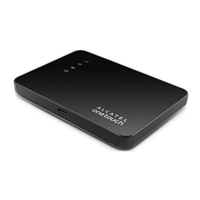
Part Descripon
Power key Hold the “Power” key for 3 seconds
to power the device on/ o.
WPS key Hold “WPS” key for 3 seconds to
acvate the WPS funcon. Once
acvated, the Wi-Fi LED indicator
will ash every two seconds. If the
network is not accessed within 2
minutes device will automacally exit
WPS mode.
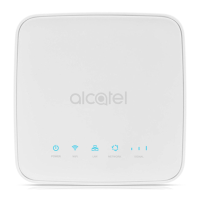
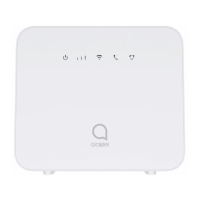
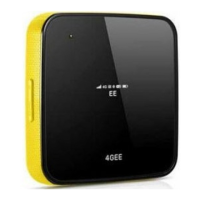
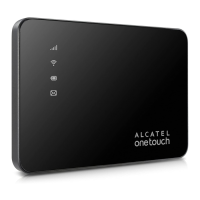
LED indicators Displays signal, Wi-Fi, SMS, and
baery charge status.
Charging /
USB Port
Use the USB jack to charge your
device and connect your device to
the client via the USB cable.
Reset Hold both “Power” and “WPS” keys
simultaneously for 6 seconds. All
LED indicators will ash blue 4 mes
to indicate that the device has been
reset to factory mode.
Reboot Hold “Power” key for 10 seconds to
restart device.








 To Next Page