7
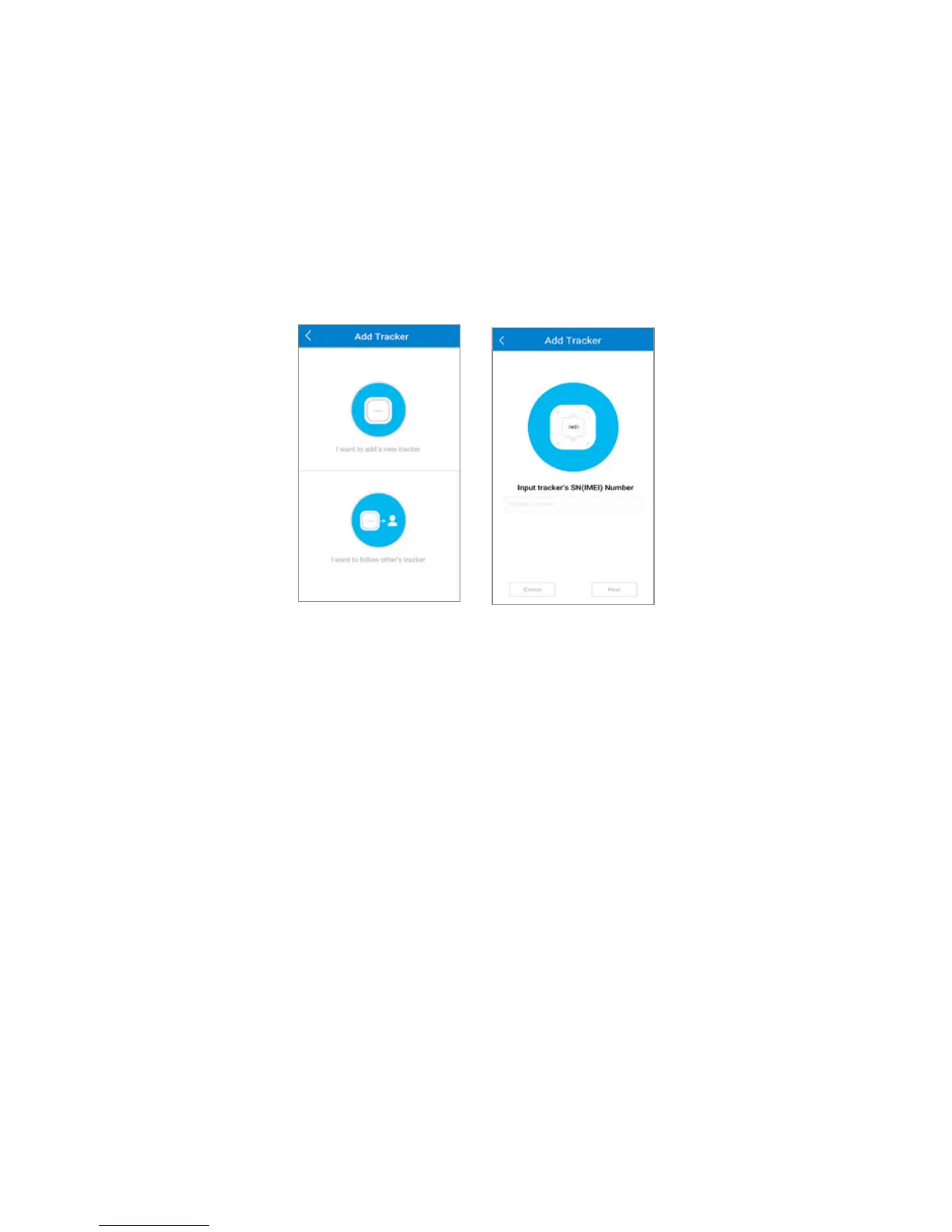
3. Select Select the opon I want to add a new tracker.
4. Enter the unique idener of your MOVETRACK (IMEI). The IMEI
can be found on the back of your MOVETRACK.
5. Enter your name and phone number.
6. Enter a prole picture as your icon. You can use the default image
or a photo from your phone.
7. Enter a name and prole picture for your MOVETRACK. You can
use the default image or a photo from your phone.
8. Your MOVETRACK and phone are now successfully paired.



 To Next Page