5
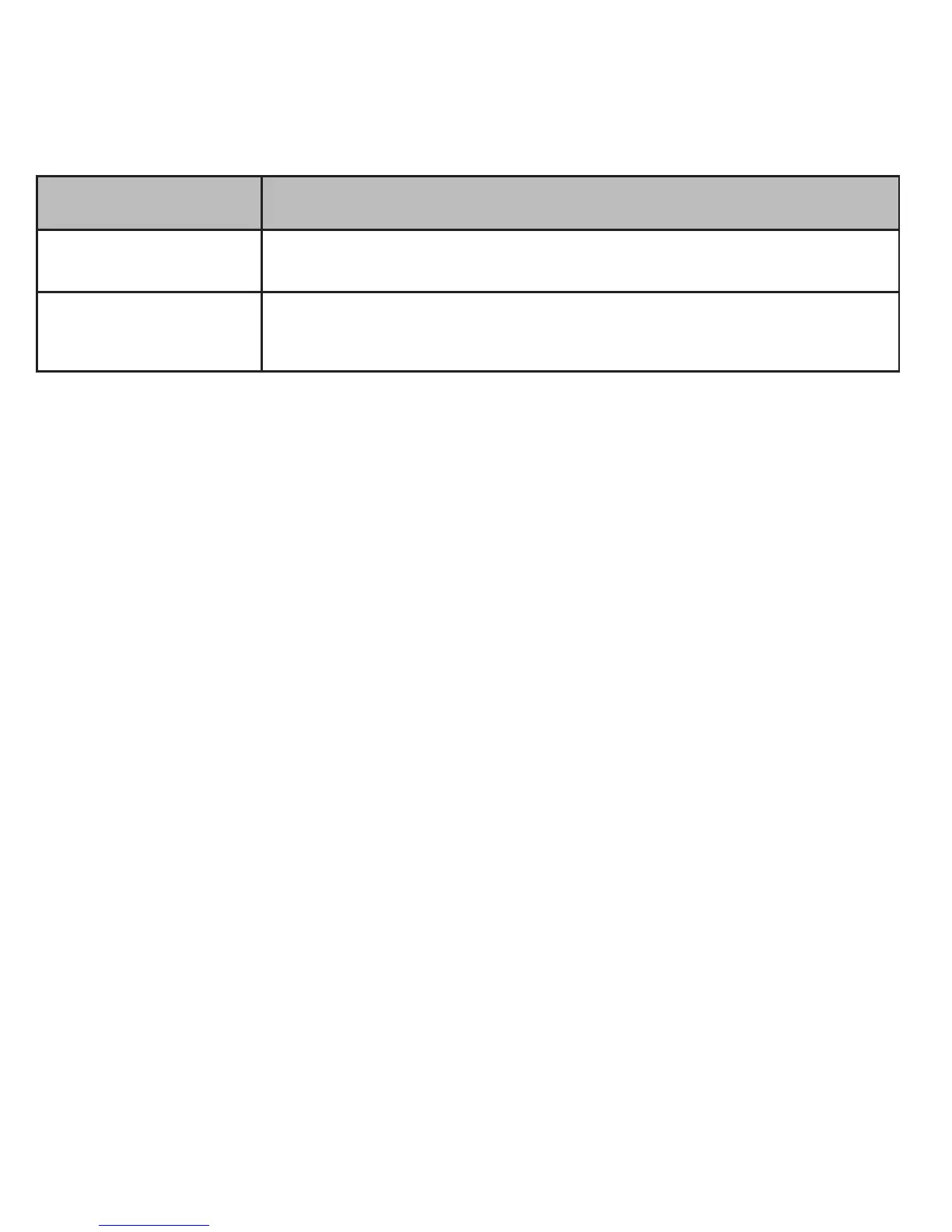
Category Descripon
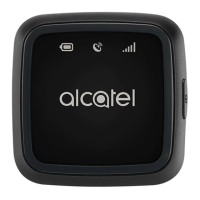
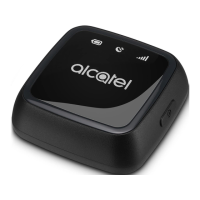
Micro-USB port For charging and data transfer.
Nano-SIM card
cover
Remove to access Nano-SIM.
Charging Your MOVETRACK
Plug the micro-USB cable into your MOVETRACK and connect it to a
USB charger or any 1A/5V USB port.
• When charging, the baery light will blink red.
• The baery is fully charged when the baery light changes to blue.
Warning: Charge your MOVETRACK for at least 2 hours before rst
use.
Powering on Your MOVETRACK
Press and hold the power on/o buon for 3 seconds, all LEDs will
light up indicang that your MOVETRACK is now on and ready for use.
Note: Press and hold the power on/o buon for 3 seconds to turn
o your MOVETRACK.


 To Next Page