15 16
1
Getting started .....................
1.1 Set-up
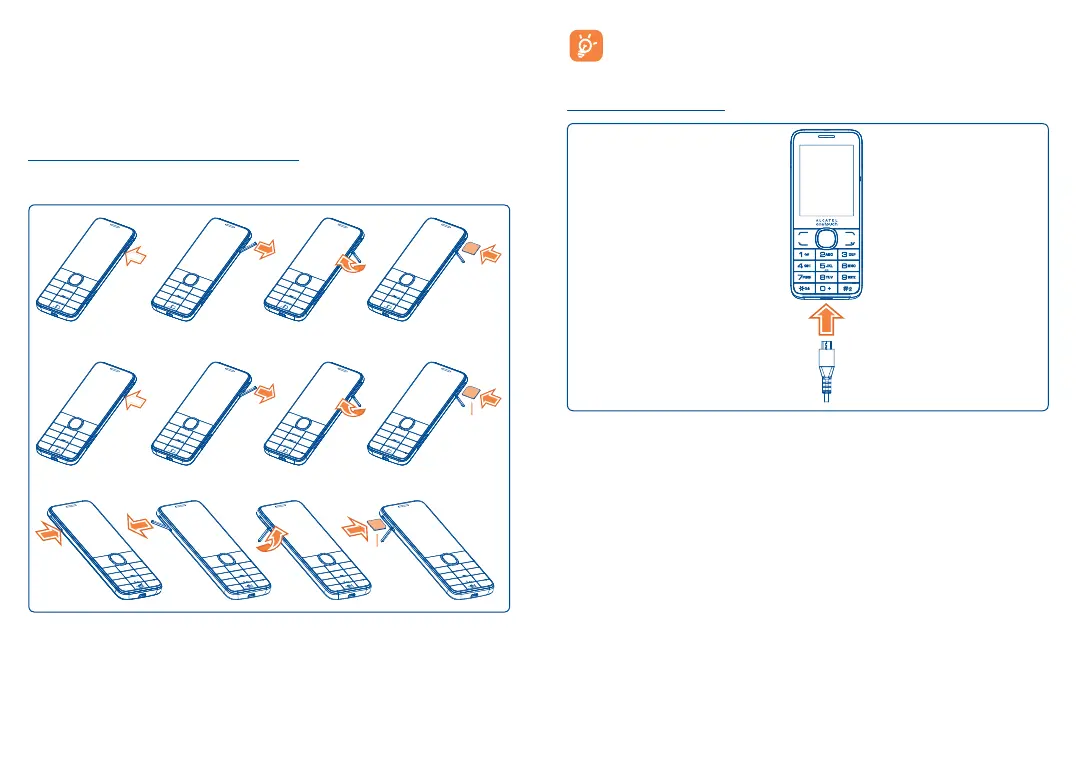
Inserting or removing the SIM card
You must insert your SIM card to make phone calls.
2007X
2007D
SIM 2
SIM 1
Place the SIM card with the chip facing upwards and slide it into its housing.
Make sure that it is correctly inserted. To remove the card, press and
slide it out.
Your phone only supports micro-SIM cards. Do not attempt to
insert other SIM card types such as mini and nano cards, as they
may cause damage to your phone.
Charging the battery











 To Next Page