6
Turn on your TV
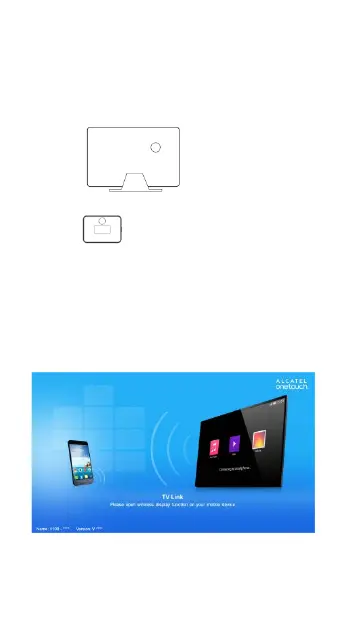
Turn on your TV and set to the input source of
your TV as HDMI port which you plugged into TV.
Tips: post magic tape if the device needs to be
fixed on TV:
a).Stick the hook side one on the TV ,
b).Stick the rough side one on the device,
c).Fix the device on the TV when the two sides of
the magic tape are stuck together.
2. QUICK START TO MIRROR
TV will display the main UI after V100 be
installed several seconds;
Set your mobile device



 To Next Page