3
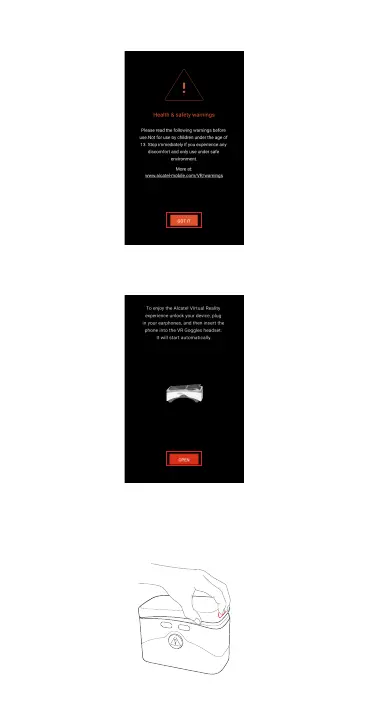
4. Read safety warning and tap “Got it” to accept.
5. Select “OPEN” to start VR display mode and insert your device
into the VR goggles .
Preparing your VR goggles
1. Place your ngerps in the slot and pull the top cover outward
to open. Prior to use, remove the protecve covering from both
sides of the lenses, and the "BACK" and "SELECT" buons.



 To Next Page