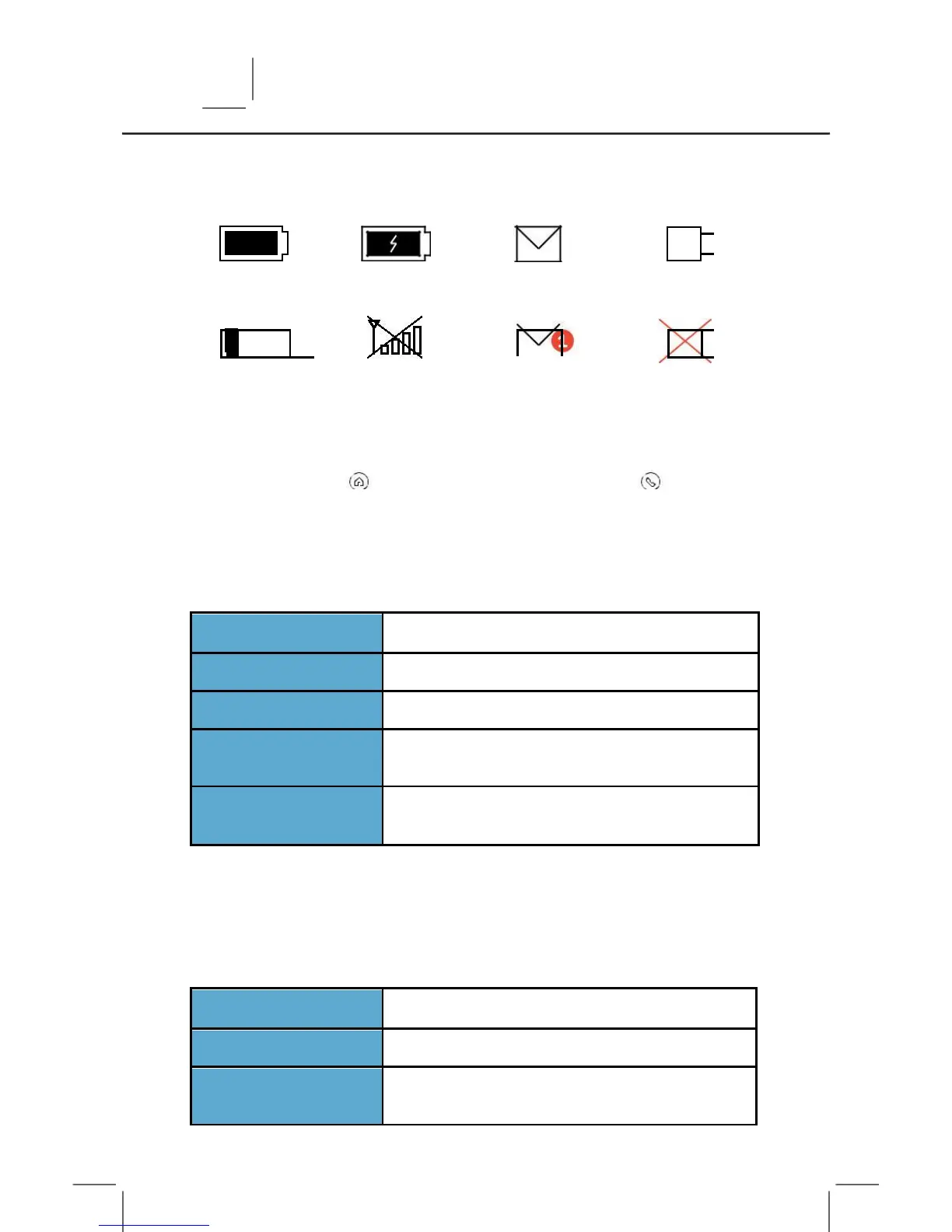
PANEL BUTTONS
The panel has two LED lighted buttons to the right of the screen.
The Home Button and the Emergency Call Button
HOME BUTTON
Press this button to wake the screen or to return to the Home
screen. The button will change colors according to the system
status as follows:
PANEL IS UNARMED AND READY TO ARM
PANEL IS UNARMED, NOT READY TO ARM
PANEL IS ARMED IN AWAY OR STAY MODE
PANEL IS UNARMED AND A MOTION SENSOR
PANEL IS WITHOUT AC POWER OR LIGHTS
HAVE BEEN TURNED OFF IN SETTINGS
EMERGENCY CALL BUTTON
Press this button as the first step to manually trigger an alarm.
Manual alarm options include Medical, Police, and Fire. See “Make
an Emergency Call” (page 14) for more details. The button will
change colors according to the system status as follows:
PANEL IS MAKING AN EMERGENCY CALL
PANEL IS WITHOUT AC POWER OR LIGHTS
HAVE BEEN TURNED OFF IN SETTINGS



 To Next Page