9
Optical indication:
the sound is also displayed visually by LED’s;
monitoring can therefore be carried out even
when the volume has been reduced or switched
off altogether
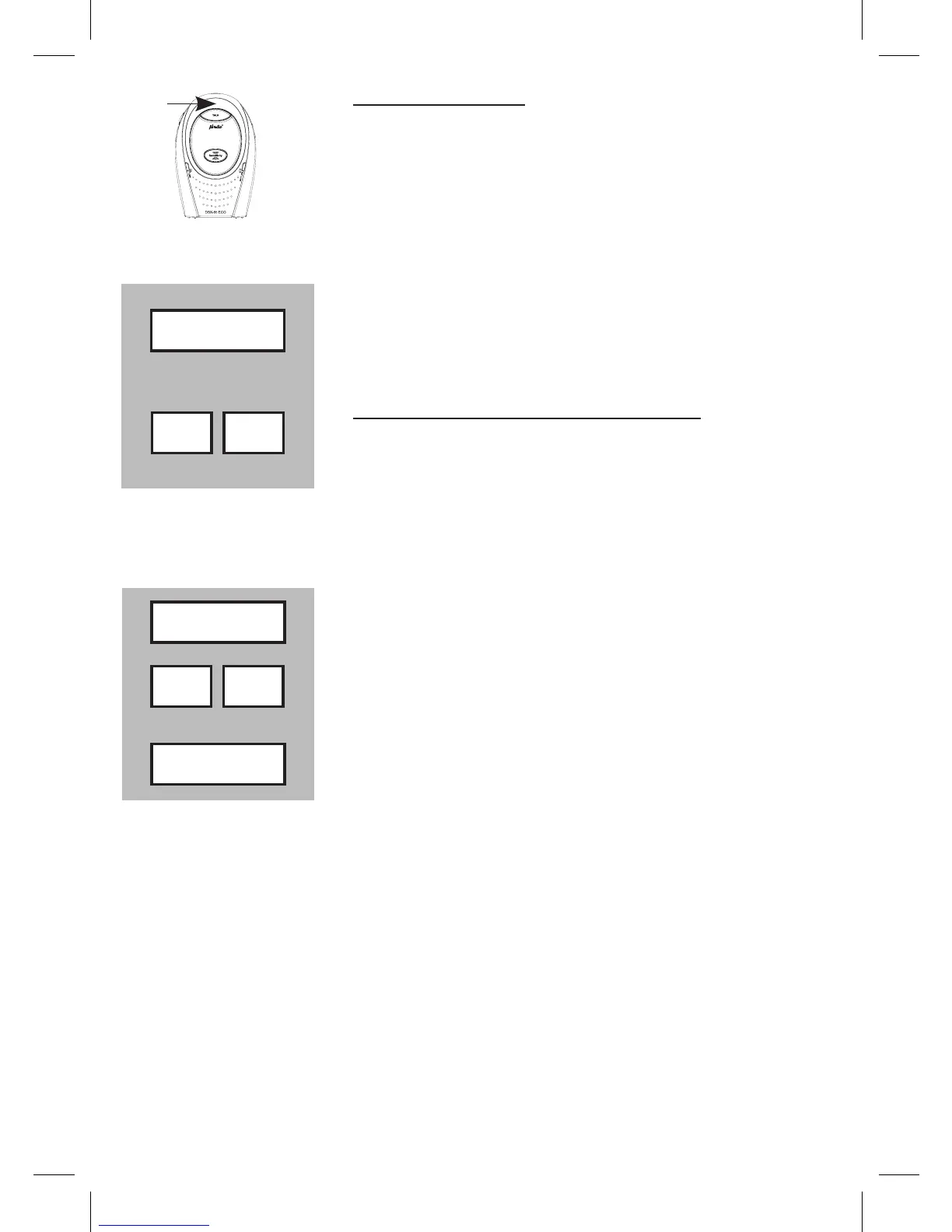
4.4 TALK BACK:
press and hold TALK on the Parent unit to speak
to the baby
control the volume on the Baby unit:
press the - button to decrease the volume or the
+ button to increase the volume
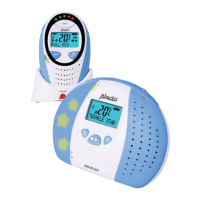
4.5 SENSITIVITY:
You can adjust the sensitivity on the Parent Unit to monitor the sound
from Baby Unit:
press the SENSITIVITY button on the parent unit
use the - and + button to select the required level
press the SENSITIVITY button to conrm
• There are five levels of sensitivity which are indicated by the sound
indications LED’s
level 1 represents lowest sensitivity, level 4 represents a high sen-
sitivity, level 5 represents the highest sensitivity (the microphone is
activated all the time)
• You will hear an extra beep when the lowest or the highest level is
reached and when you press the - or + button.
• From factory the highest level is preset
Talk
- +
Sensitivity
- +
Sensitivity



 To Next Page