41
6.6 RAIN MEASUREMENTS:
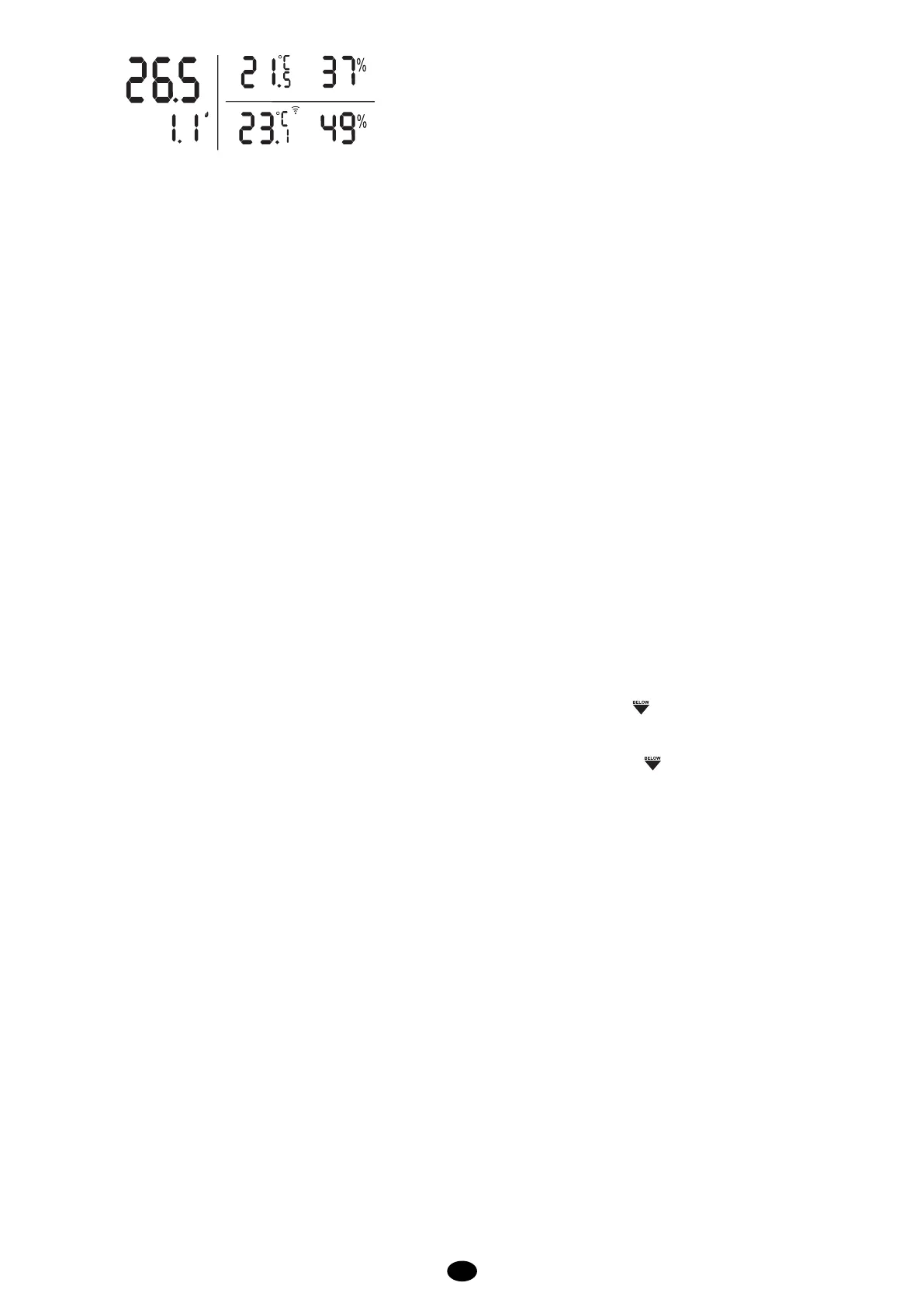
The display shows the following rain measurements:
L
TODAY
mm
mm
INDOOR
Total:
This shows the total amount of rainfall from the beginning (last reset or battery placement) until now.
Press the “RAIN SINCE” button to check the starting date.
Today:
This shows the rainfall of today (the last 24 hours).
Rain History:
Press the “RAIN HISTORY” button to view the rainfall history up to 30 days ago. The history disappears from
the display after 15 seconds without pressing any button.
To delete the rainfall data:
Press and hold the “RAIN CLEAR” button for 2 seconds to delete the rainfall data.
Rainfall alert function:
When a certain amount of rain has fallen, the weather station can be set to emit an acoustic alert signal.
To set the rainfall alert:
press and hold the “ALERT RAIN” button for at least 2 seconds.
▼ and ▲ buttons to select the desired rainfall alert level and press the “ALERT
press the “ALERT RAIN” button to activate or deactivate the rainfall alert (“HI” appears in the display when
the rainfall alert is enabled).
The alert starts as soon as the rainfall level is reached.
6.7 TEMPERATURE:
Indoor:
Indoor temperature with humidity (when the humidity is below 20%, the icon appears).
Outdoor:
Outdoor temperature with humidity (when the humidity is below 20%, the icon appears).
The display shows LL.L or HH.H when the temperature is outside the value that can be measured.
Outdoor temperature alert function:
When the outdoor temperature becomes Higher or Lower than certain values, the weather station can be set
to emit an acoustic alert signal.
This can be set for when the temperature falls below a certain value, when the temperature rises to above a
certain value or when the temperature is below and above a certain value.
To set the temperature alert:
press and hold the “ALERT OUT TEMP” button for at least 2 seconds.
▼ and ▲ buttons to select the desired high temperature alert and then press
the “ALERT OUT TEMP” button.
▼ and ▲ buttons to select the desired low temperature alert and then press
the “ALERT OUT TEMP” button to save your settings.
press the “ALERT OUT TEMP” button to choose: “HI” high temperature alert
“HI-LO” high and low temperature alert
“LO” low temperature alert
The alert is active when one of the icons is selected.
The alert starts as soon as a set value is exceeded.


 To Next Page