“Learn” Transmitter code
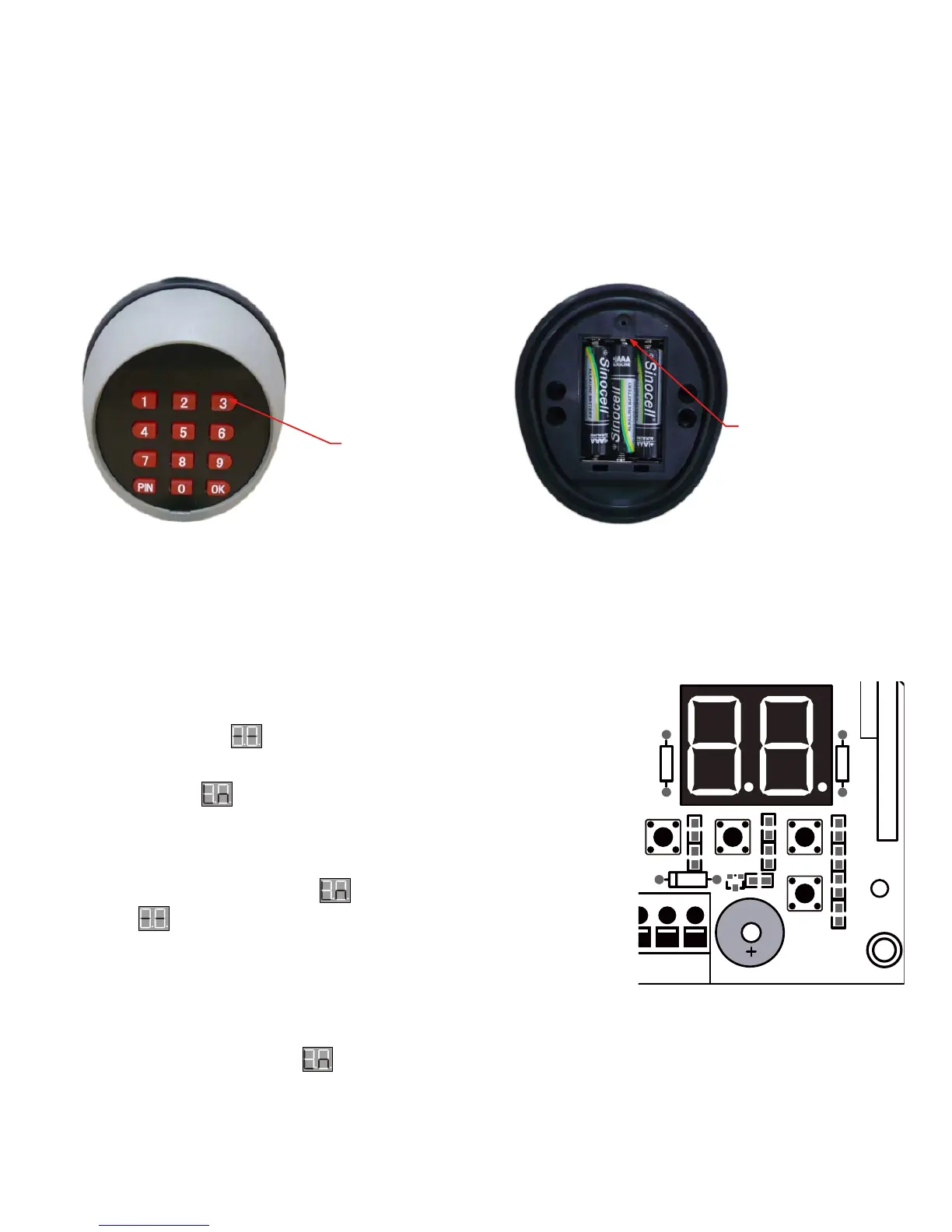
Make sure the control board of the opener is power on and in standby
mode (LED flashes “ ”(“- -”)).
Use For LM/MK Series Swing Gate Opener
Control Board of LM/MK
Series Swing Gate Opener
Step 1. Press and release “LEARN” button and then LED will
display “ ”(“Ln”).
Step 2. Press ”OK” button on the Keypad LM172 once to learn
the keypad. Once the keypad has been learnt successfully, LED
of the control board will flashes “ ”(“Ln”) for 2 seconds and then
flashes “ ” (“- -”) again.
Now you can use the factory default password “888888” to operate the
gate opener (Refer to the chapter “HOW TO OPERATE LM/MK SERIES
SWING GATE OPENER” in manual).
NOTE: Once LED displays “ ”(“Ln”), you must press the “OK” button on the wireless keypad
within 1-2 seconds to learn the transmitter code, or you may have to start over.
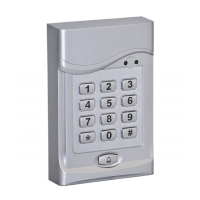
Thank you for purchasing the Wireless Keypad (LM172). The keypad has been integrated a LED backlight
key feature. It will bring you great pleasure and convenience while you use it to operate LM/MK series
Swing Gate Opener and DSC/R or SFG/SCG series Sliding Gate Opener. Be sure to read the manual
carefully and completely before you permanently mounting the keypad, please program the keypad and
test its range.
NOTE:
3×AAA(1.5V) battery is required to
power the keypad
Battery Holder
Use 3×AAA(1.5V) battery
Keypad Description
Introduction


 To Next Page